
Every team has recurring tasks that should not depend on someone remembering them: periodic QA checks, stale issue cleanup, docs updates, maintenance work, or the same follow-up task again next week.
Automations turn that recurring work into a standing instruction. Set it up once, and Superconductor runs the right project action when the schedule arrives.
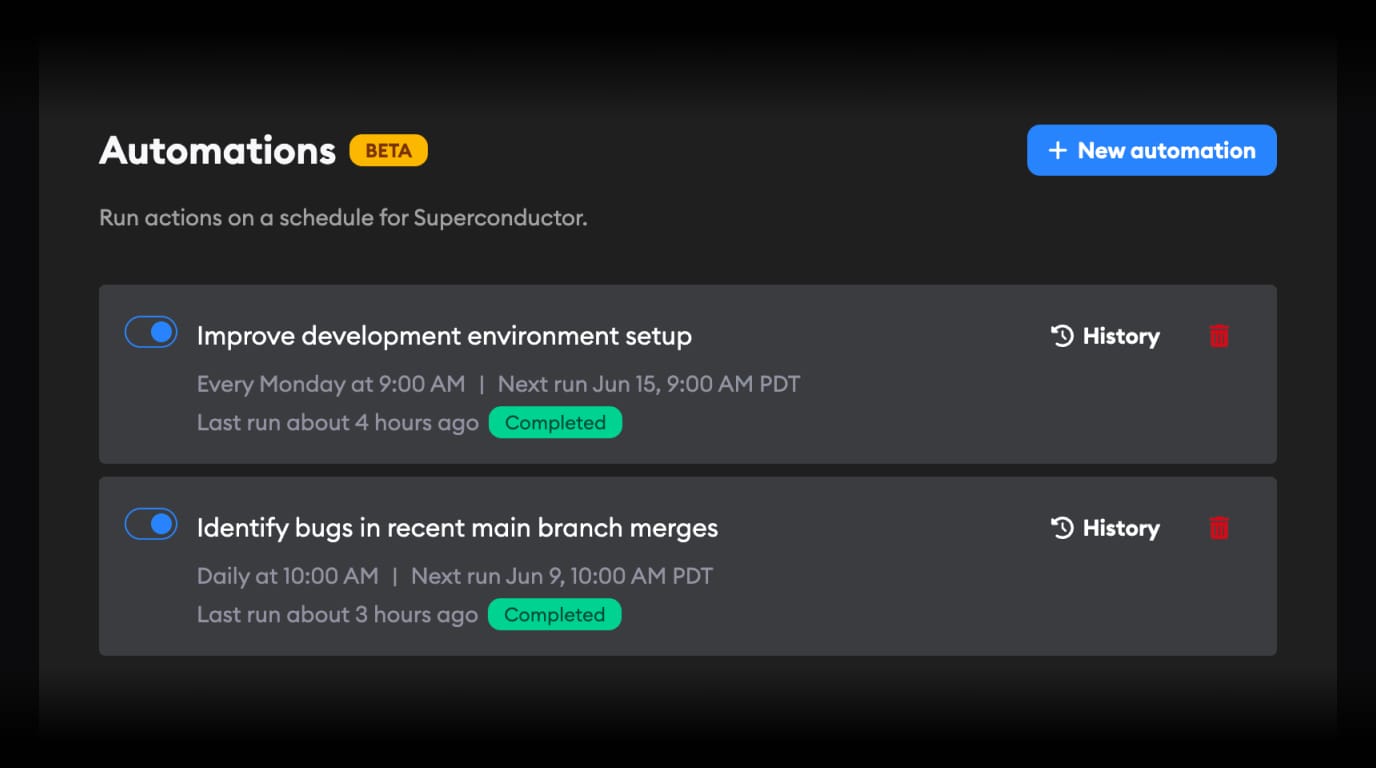
Automations let Superconductor run recurring project actions on a schedule.
You can create scheduled workflows from the Automations page, run them manually, enable or disable them, and review past runs from each automation's history.
Automations now support three action types: create a recurring ticket, launch an implementation for a starred ticket, or send a message to a starred implementation. That makes them useful for recurring work such as scheduled maintenance, repeated checks, or follow-up workflows where an agent should keep working without someone manually reopening the task.
Automations are available from the project navigation for scheduling recurring work.