
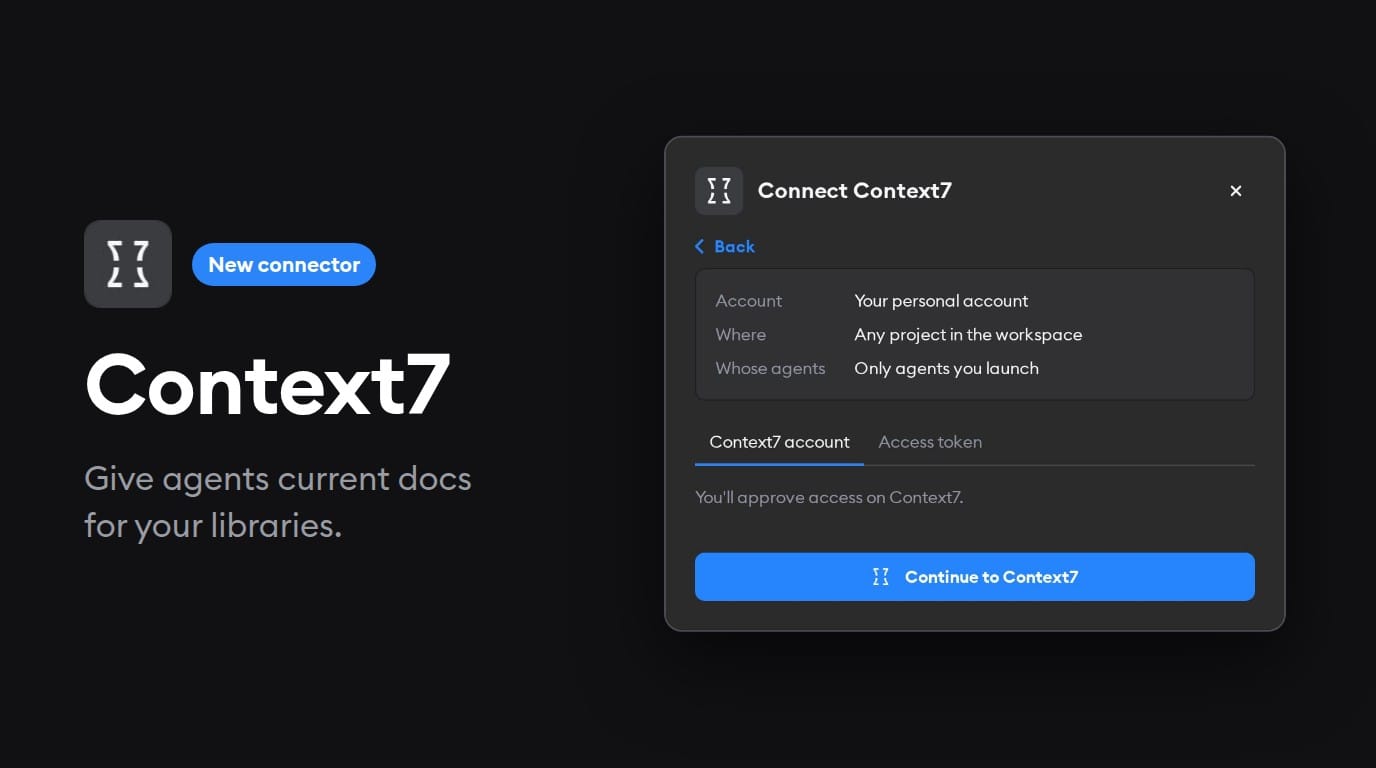
AI models learn libraries from training data that can be months old. When a library ships a new major version or deprecates a method, agents can write code against the old API, and your team only finds out when the build fails or a reviewer catches it.
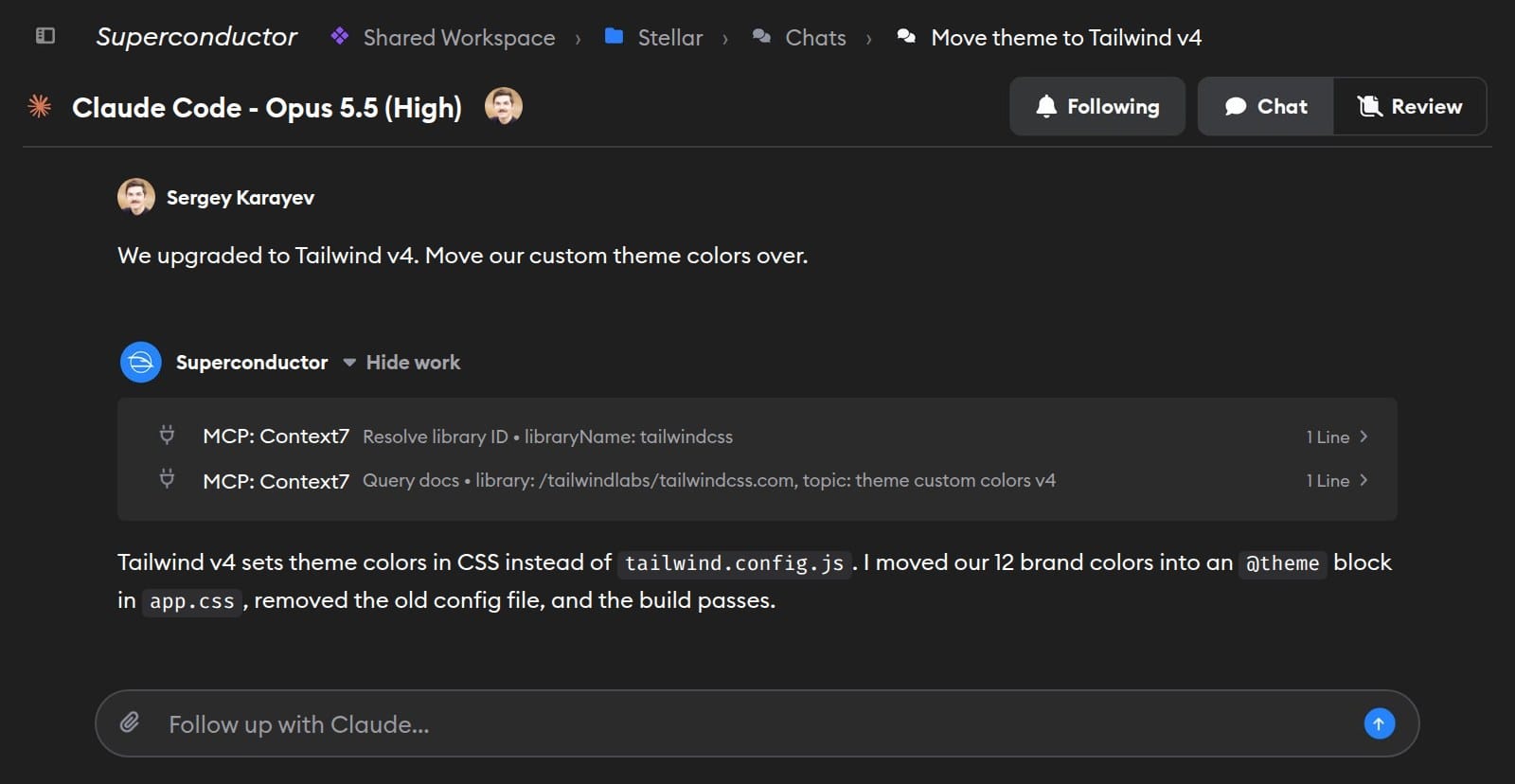
Context7 keeps up-to-date documentation and code examples for software libraries and frameworks. With our new Context7 connector, your coding agents in Superconductor can check the docs for the version you actually use before they write the code.
Things your agents can do with Context7
- Look up current docs. Agents find a library and read the documentation and code examples for the task in front of them.
- Follow the real upgrade guide. For a major-version upgrade, agents check the current migration guide instead of guessing.
- Read your private docs. If your Context7 teamspace has private sources, agents can read those too.
Note that Context7 only looks up documentation, so agents can’t change anything through it.

Using Context7 + Superconductor
We’ve found that agents often check Context7 on their own when a task involves a library. With that said, it can’t hurt to mention Context7 directly (or add a skill to tell your agents to always check it) when a ticket involves a recent major version or a library that changes often:
Upgrade our app to Next.js 16. Use Context7 to check the migration guide before changing anything.
Our Stripe webhook handler uses a deprecated method. Look up the replacement in Context7 and update it.
To connect, sign in with your Context7 account from Workspace Settings → Connectors and pick the teamspace agents should use, or paste a Context7 API key instead. Agents’ lookups count toward that teamspace’s Context7 usage. See the Context7 integration page for what agents can do once you’re connected.
What other connectors or integrations would be helpful for your dev team? Let us know!