
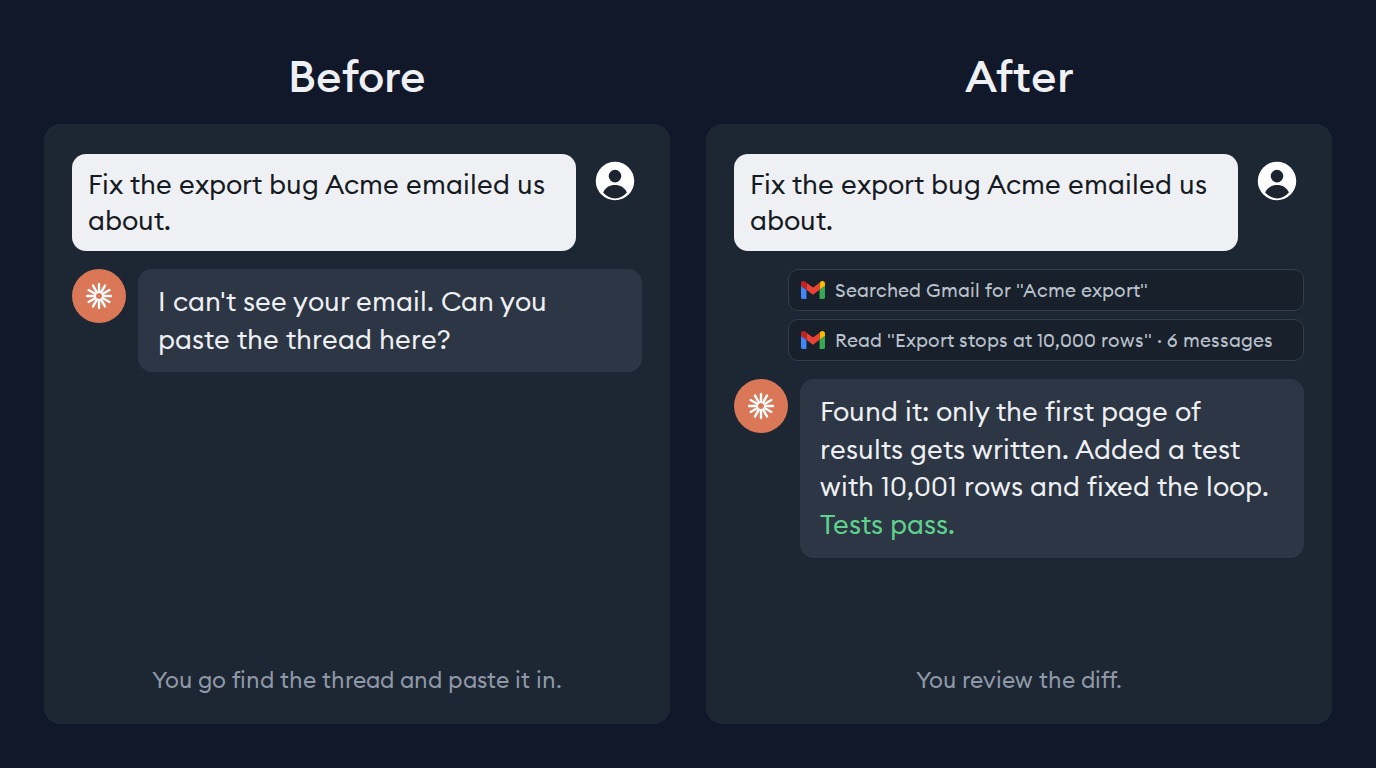
If your team uses Google Workspace, you know the pain of wanting an agent to act on context from a Gmail thread or a Google Slides deck. If you tell your agent “summarize all the feature requests John sent us”, that request is useless if the agent can’t access the dozens of emails John has sent your team over the past few weeks and doesn’t even know who John is.
Until now, getting context from your Google Workspace to your coding agent meant fetching it yourself. You'd open Gmail, find the thread(s), paste them all into the chat, export your Google doc as a PDF to attach to the chat, etc.
What's new
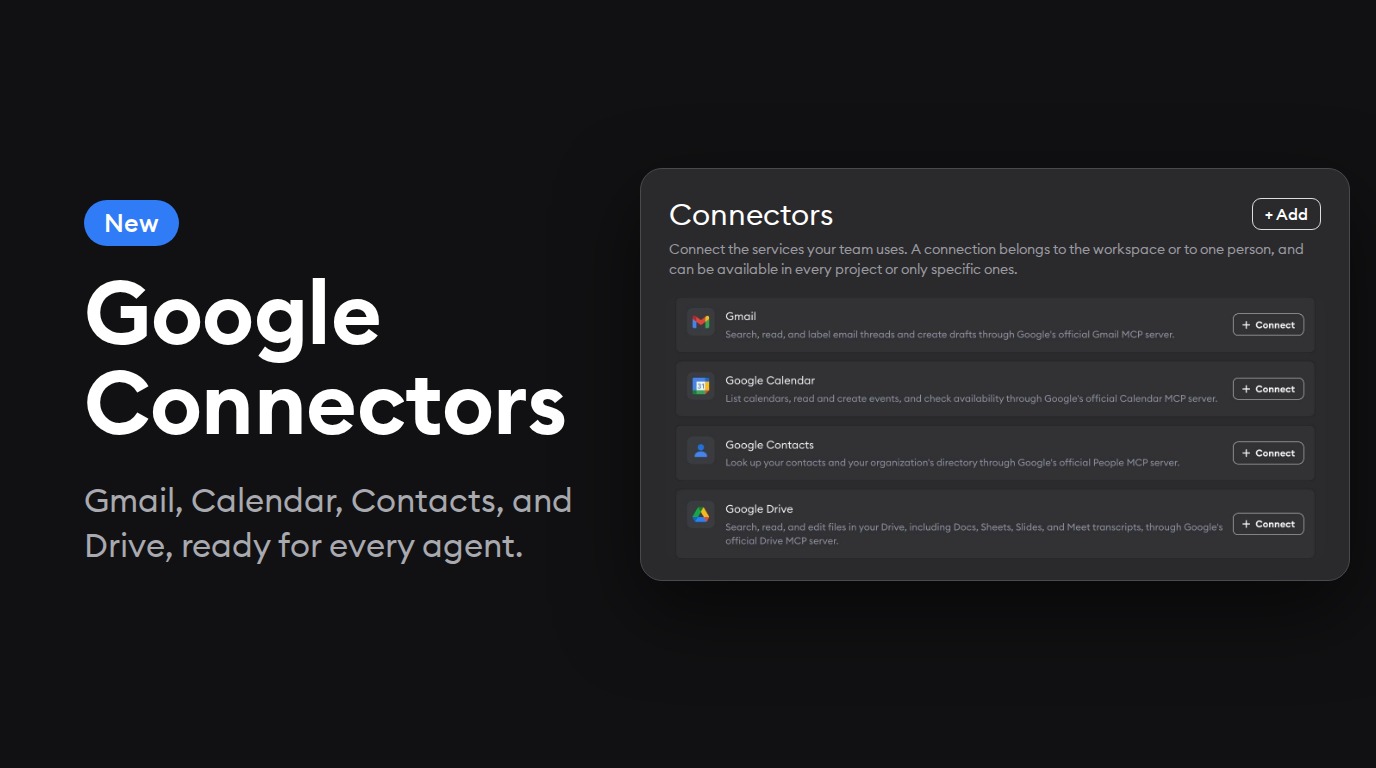
We’ve added four new Google connectors to Superconductor, each built on Google's official MCP server:
- Gmail: search and read threads, apply labels, and write drafts for you to review and send.
- Google Calendar: read, create, and update events, and check when people are free.
- Google Contacts: look up people in your contacts and your organization's directory.
- Google Drive: search, read, and edit Docs, Sheets, and Slides, including Google Meet transcripts saved to your Drive.
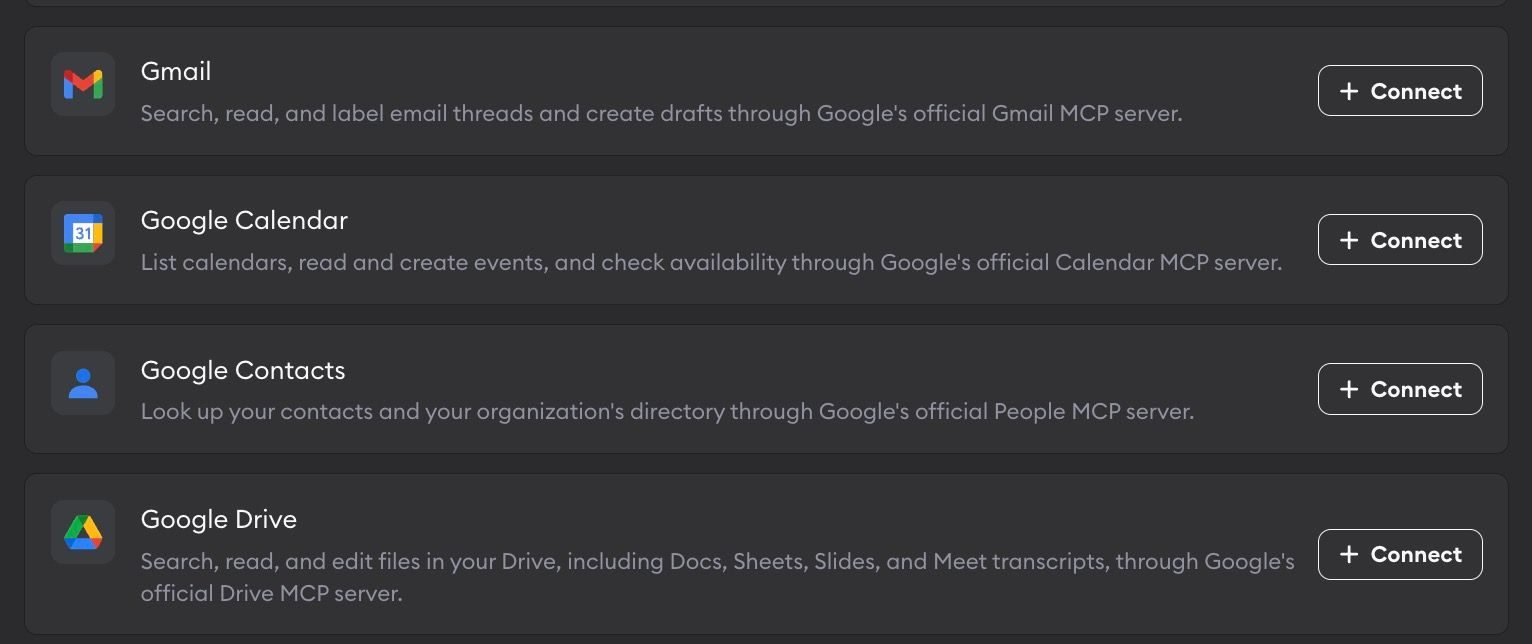
To connect any of these, select the relevant connector from Workspace Settings → Connectors, click Connect, and sign in with Google. No API key needed. Each connector is separate, so connecting Calendar doesn't give agents your email, and Google's consent screen lets you leave out permissions you don't want to grant, like drafting emails.
You can connect more than one account, such as your own inbox and your team's support inbox, and each connection can be just for your own tickets or shared with the team. Agents only ever get a short-lived access token, never your long-lived Google credentials.
A few examples of ticket prompts with Google Connectors
A bunch of users have reported a bug with the Check Out button on mobile in the past week. Get context from all their emails, fix the bug, run tests, and draft replies to everyone to let them know the bug is fixed.
Read the "Voice input" spec in Google Drive and the transcript from Tuesday's design review, then implement voice input in our product.
Check my calendar and draft a reply to Dana proposing two times next week to review this PR together.
Which connectors would you like us to build next? Let us know!