
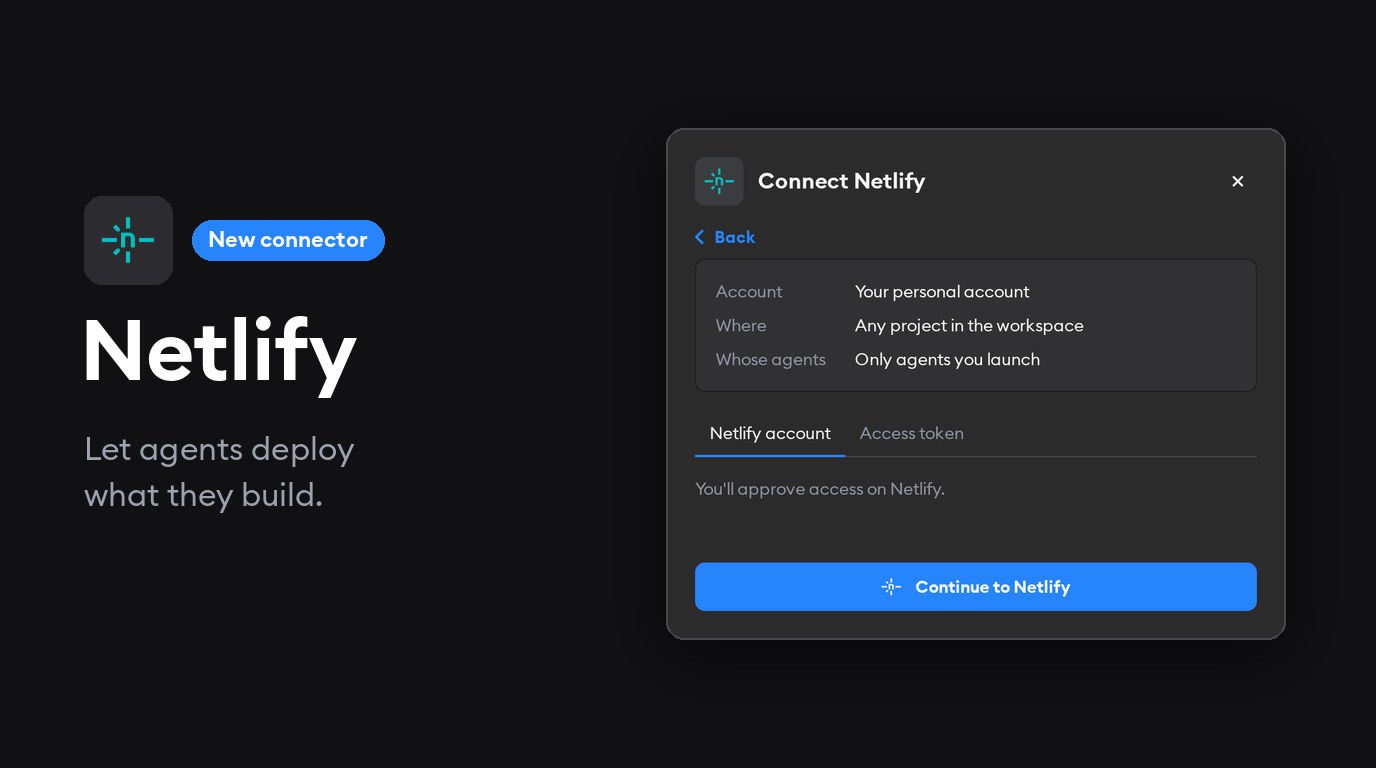
Coding agents can build a landing page, an internal tool, or a prototype for your team in minutes. However, getting it online used to be more of a manual process. Teams would have to create the Netlify project, set the environment variables, kick off the deploy, and dig through the logs when it fails.
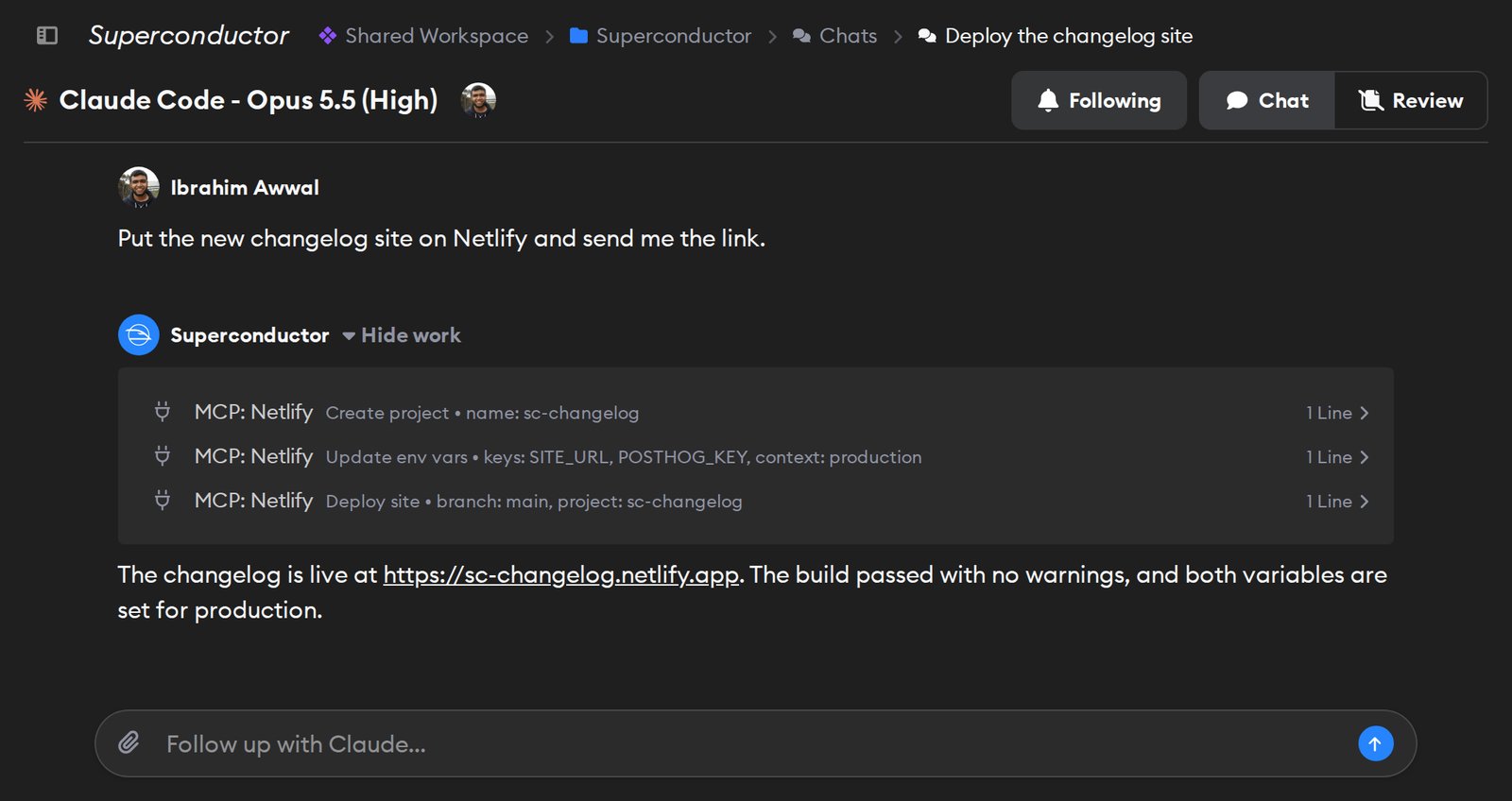
Now, with our new Netlify connector, you can take your app or website from prototype → deployment, all from the same agent chat in Superconductor.
Things your agents can do with Netlify
- Set up and look up projects. Agents can create a new Netlify project or find an existing one.
- Deploy and confirm. Agents deploy a repository and watch the deploy until it finishes, so they can tell you when it's live, or why it isn't.
- Manage configuration. Agents can read and update environment variables, plus access controls, forms, and extensions.

Using Netlify + Superconductor
Here are some examples of prompts you can try with your team in Superconductor once you’ve connected your Netlify account:
Deploy this branch to a new Netlify project and send me the URL when it's live.
Our last Netlify deploy failed. Find out why, fix it, and redeploy.
To link the connector, you can sign in with your Netlify account from Workspace Settings → Connectors, or paste a personal access token instead.
How have you been using Netlify with Superconductor? Are there any other tools for building, testing, and deploying apps that you’d like to use with Superconductor? Let us know!