
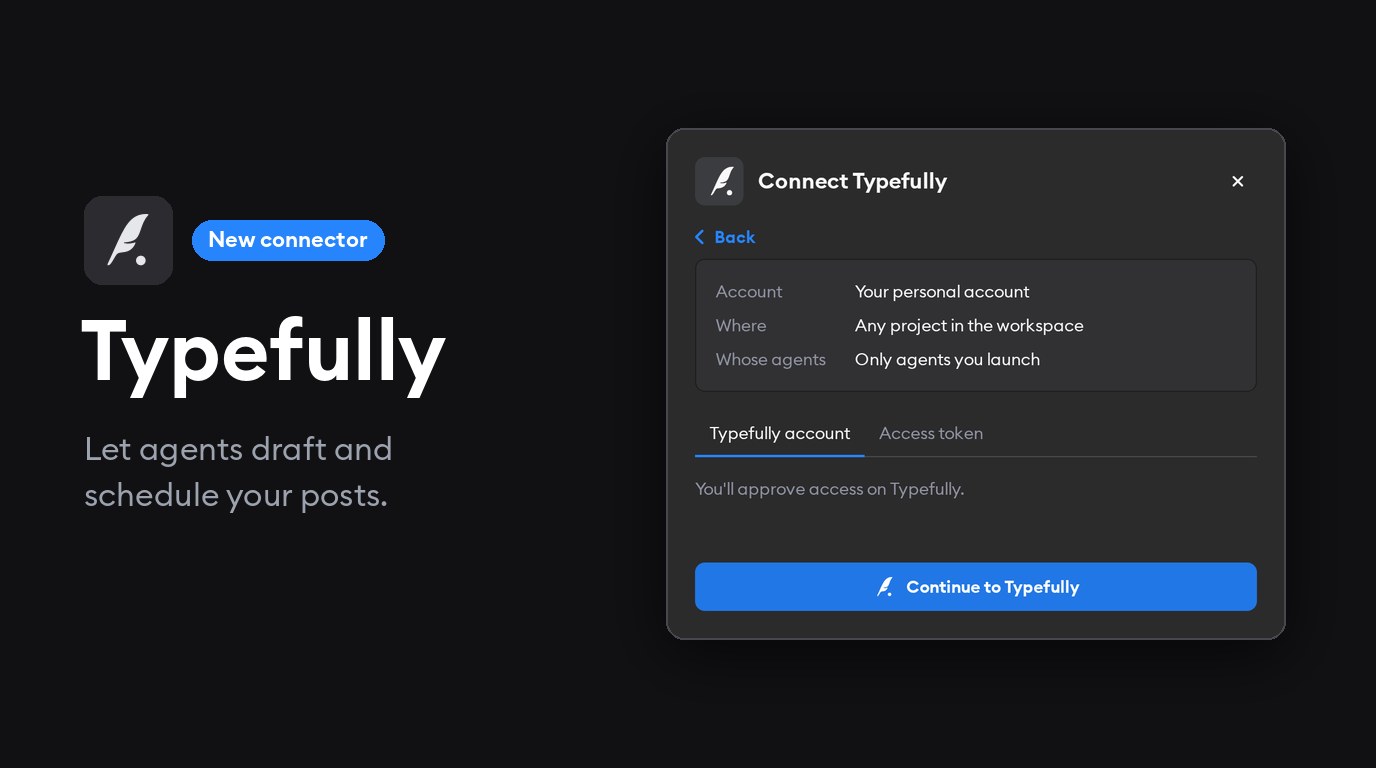
Our team uses Typefully to draft and schedule our social media posts, and we got tired of brainstorming and creating visuals with agents in one place and then having to copy and paste artifacts then manually schedule everything in Typefully.
With Superconductor’s new Typefully connector, agents can now draft, schedule, and publish posts directly on Typefully.
Things your agents can do with Typefully
- Drafts for every channel. Agents can create drafts for X, LinkedIn, Threads, Bluesky, and Mastodon, each written for that platform.
- Scheduling and managing your queue. Agents can schedule drafts and manage your publishing queue, or publish right away if you ask them to.
- Feedback loops. Agents can read and reply to comments on drafts, so you can turn a teammate's feedback in Typefully into an updated draft, all without leaving your Superconductor agent chat.
- Media and tags. Agents can create and upload images and videos to attach to posts and keep drafts organized with tags.

Using Typefully + Superconductor
Here are some examples of prompts you can try with your team in Superconductor once you’ve connected your Typefully account:
Turn the blog post linked in this ticket into a short X thread in Typefully, and leave it as a draft for me to review.
Create a short video animation of our new agent picker, write a feature announcement to accompany the video in our founder’s voice, and then add both to a draft post on Typefully.
Adapt our latest LinkedIn post for Threads and Bluesky in Typefully, and schedule both for tomorrow morning.
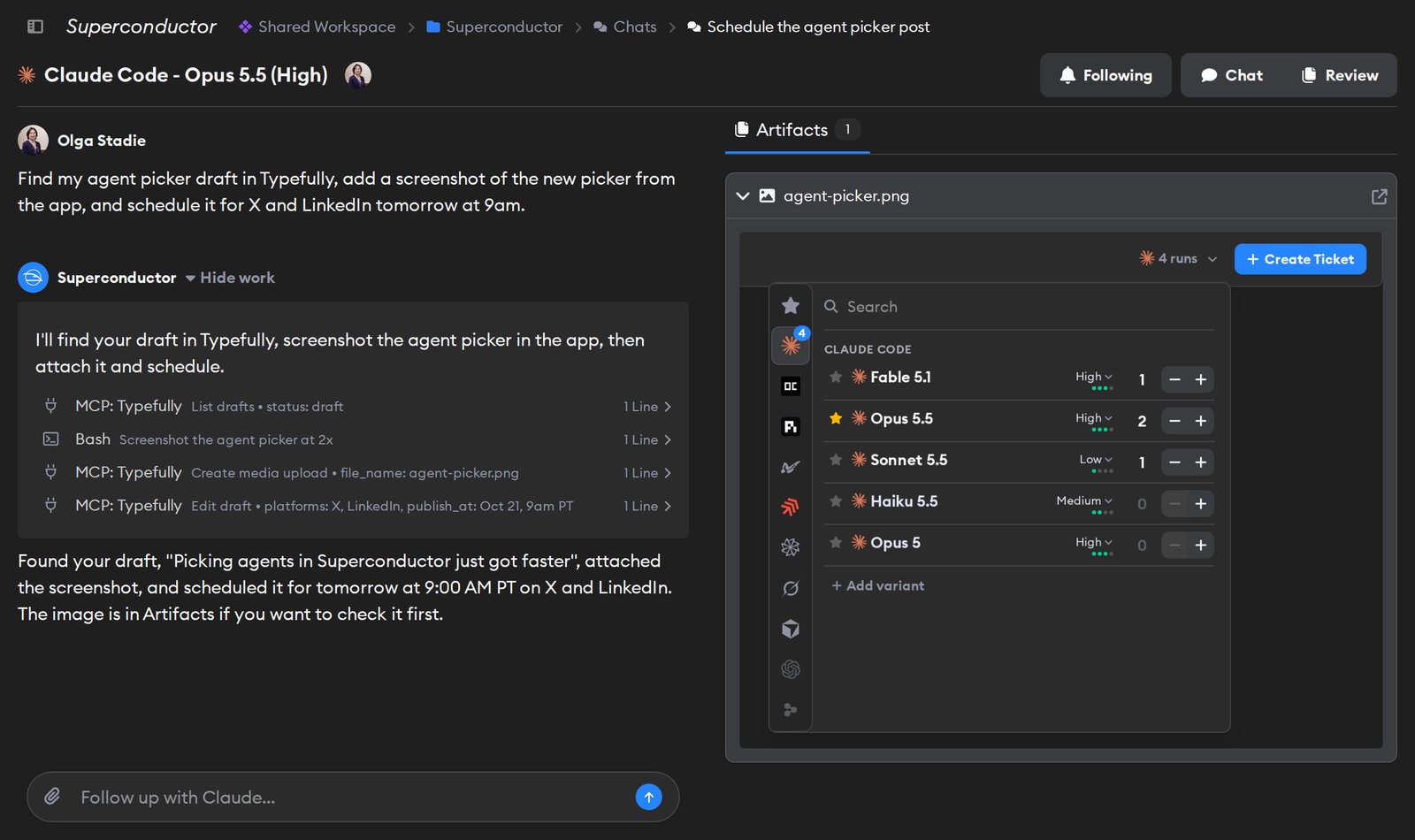
Scheduled and published posts go out without another review, so if you want to approve everything first, tell the agent to stick to drafts.
You can link your Typefully account from Workspace Settings → Connectors, or paste a Typefully API key instead.
How is your team using agents for social media posts? Let us know!