
Here's a summary of all user-facing changes on Superconductor from July 19-25:
Major Changes
Create tickets from anywhere in a workspace
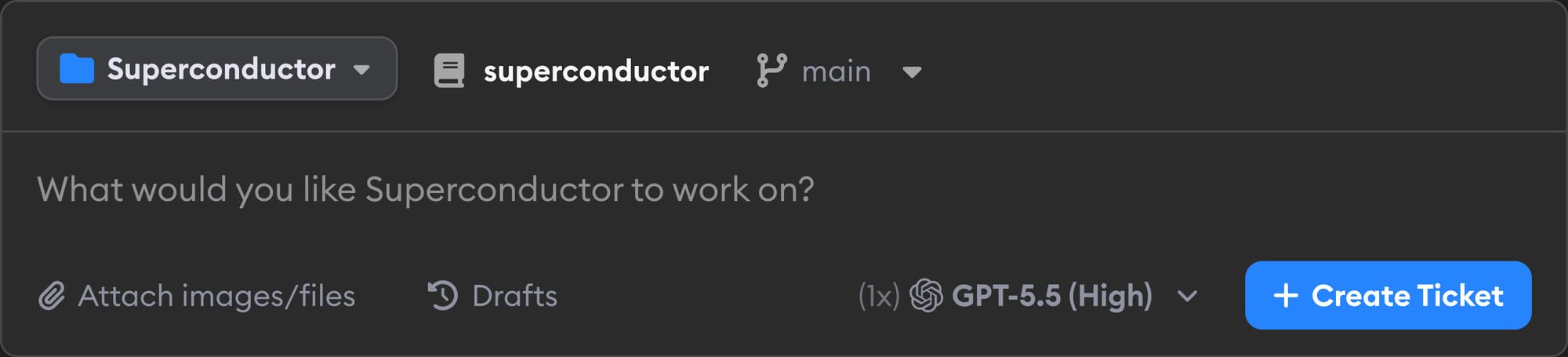
Workspaces now have a unified New Ticket form, so you can create a ticket for any project in the workspace without first navigating to that project's dashboard.
Figma MCP support
Superconductor now supports the Figma MCP server. After a project enables Figma from Project Settings -> Skills & MCP Servers, each workspace member can add their own Figma personal access token in Workspace Settings -> Personal Settings. Launched agents can then read Figma files, designs, and assets using your Figma access.
Claude Opus 5 support
Claude Code profiles now include Opus 5. When Superconductor automatically chooses the best available Claude Code model for a ticket, Slack request, GitHub request, or environment setup, it now prefers Opus 5 when your Anthropic credentials support it.
Search chats and diffs
Implementation pages now have a search bar that searches both the diff and chat pane. It can find matches across large diffs even when sections are collapsed or not currently visible.
Other Changes
Meeting Assistant auto-generates meeting titles
Meeting Assistant (beta) now automatically generates a concise title after a meeting ends, making completed meeting notes easier to scan and revisit.
Automatic dev environment setup is covered by Superconductor
When you create a new project, automatic dev environment setup now uses Superconductor's internal credentials, so your connected plans or API keys are not charged for project setup. If you own the workspace, you'll also get an email when setup is automatically applied, and the project dashboard banner more clearly explains whether you need to review suggested changes, add secrets, or do nothing because no setup was needed.
Files can be added to existing tickets
Ticket pages now let you add and delete attached files after a ticket has already been created.
Recent Activity sidebar actions
Recent Activity sidebar implementation cards now have an overflow menu for unfollowing or deleting implementations.
Fixed Issues
Reviews and conversations handle edge cases better
Guided Review progress no longer rounds up to 100% before every file has been viewed, clicking a message timestamp now copies a direct message link, and conversation message anchors are respected when opening a copied link.
Automatic environment setup updates can be reapplied
When an already-applied environment setup receives new suggested changes, the setup page now correctly shows Apply to Project again instead of treating the old accepted state as current.
Have feedback or ideas for things you'd like to see on Superconductor? Let us know!