
Work with AWS from Superconductor coding agents
Connect AWS to Superconductor and your coding agents can now inspect and change your AWS resources and check current AWS documentation. Superconductor runs that work in a shared session, so a teammate can review the code and the agent's AWS work in one place.
Superconductor lets you and your team chat with coding agents such as Claude Code, Codex, Pi, and more in shared, secure cloud sessions.
With our AWS integration, you can
- Find out why a Lambda function is failing from its logs and configuration
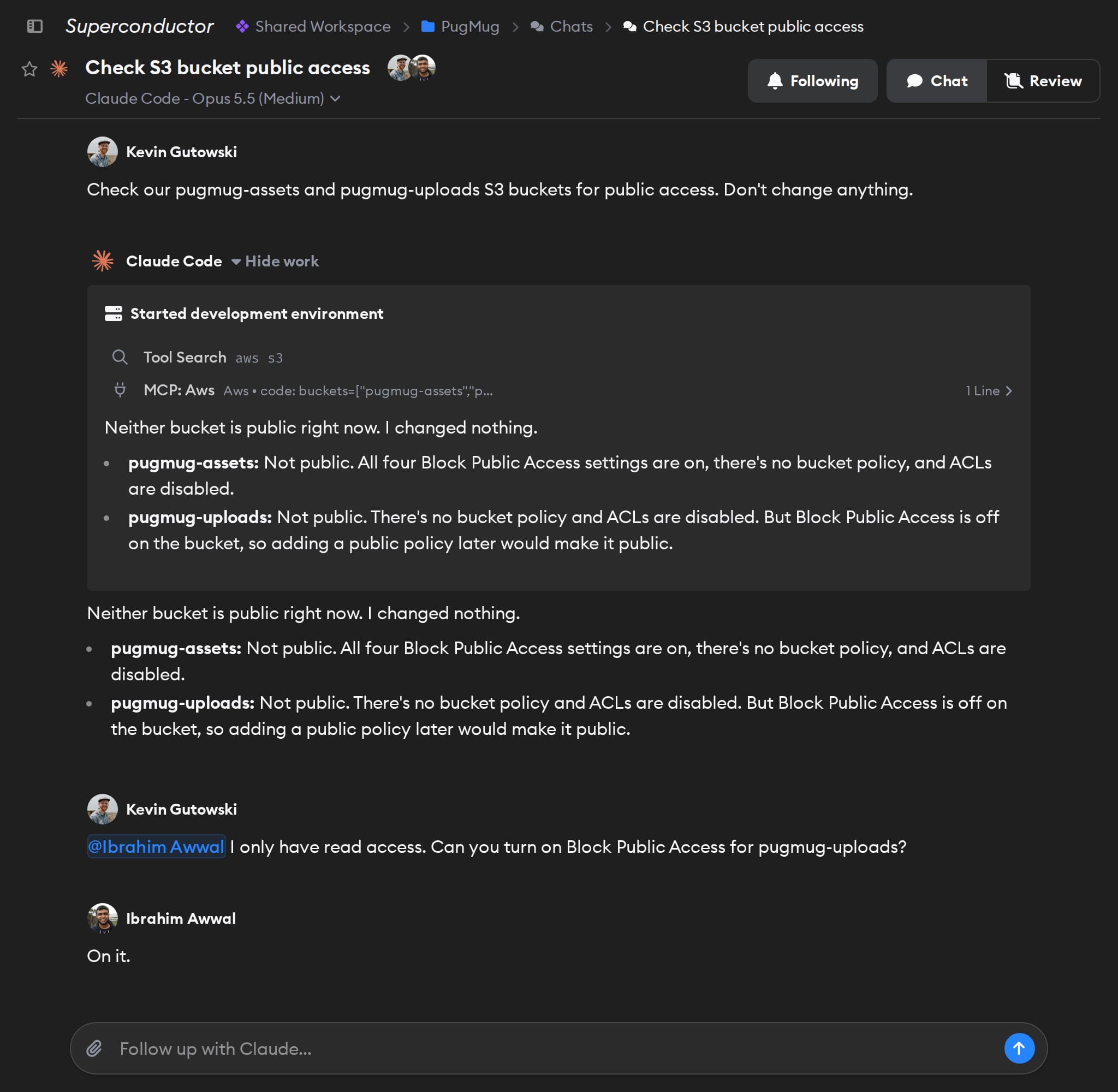
- Audit resources across regions, such as public S3 buckets
- Set up new AWS resources for a feature, then update your code to use them
Try asking
- Check which of our IAM roles haven't been used in 90 days and list them in a table. Don't delete anything.
- Check which European AWS regions offer Amazon Bedrock and our EC2 instance type, and recommend one.
- Our checkout errors in Sentry mention DynamoDB throttling. Check the orders table's capacity settings in AWS and suggest a fix before changing anything.
Technical details
- Agents can
- Call AWS APIs, search AWS docs, and check regional availability
- Access
- The permissions of the AWS identity that creates the token
- Needs
- An AWS CLI access token; sign-in is coming soon
- Server
- AWS's official hosted MCP server
Example
Questions
- Can Claude Code use the AWS MCP server?
- Yes. Once you connect AWS in Superconductor, Claude Code agents you run there can use the AWS MCP Server at
aws-mcp.us-east-1.api.aws. There's nothing to install locally. - How do I connect AWS?
- Create an access token with the AWS CLI and paste it into the AWS card in Workspace Settings → Connectors.
- Can agents change or delete my AWS resources?
- Yes, if your AWS identity is allowed to, and changes take effect right away. Use an identity that has only the access agents need.