
Fix slow code with Scout APM and Superconductor coding agents
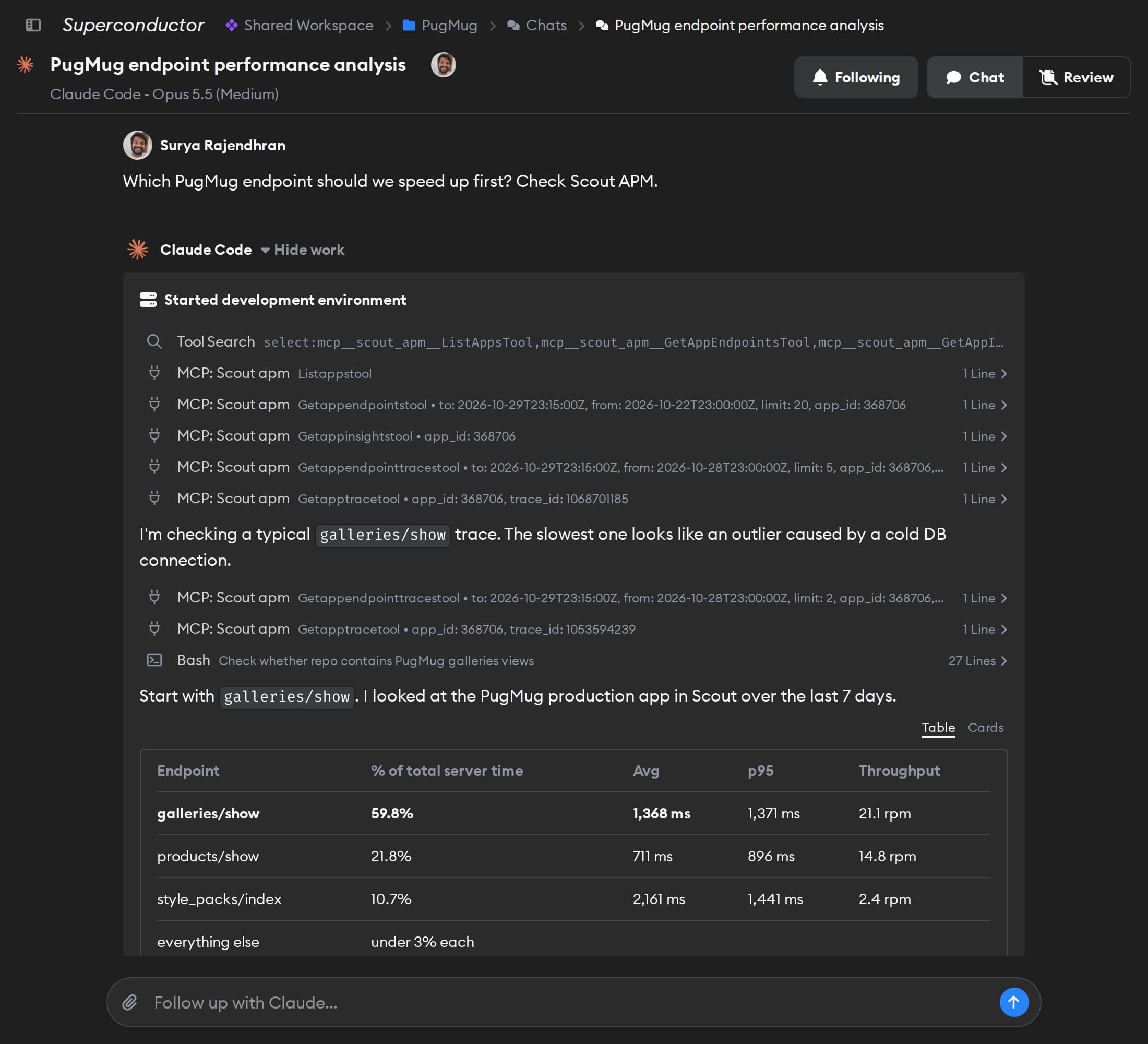
Connect Scout APM to Superconductor and your coding agents can now read your app's response times, traces, and N+1 insights before they change the code. Superconductor runs the fix in a shared session, so the teammate who owns the endpoint can see the Scout data the agent read before the fix ships.
Superconductor lets you and your team chat with coding agents such as Claude Code, Codex, Pi, and more in shared, secure cloud sessions.
With our Scout APM integration, you can
- Fix the N+1 query behind a slow endpoint
- Check whether a deploy made an endpoint or job slower
- Start a fix from a Scout error group
Try asking
- Checkout is slow in Scout APM. Read its slowest trace, check Sentry for errors on the same endpoint, and open a pull request that fixes the cause.
- Add Scout APM to our new FastAPI service using Scout's setup instructions, and read the key from an environment variable.
- List the memory bloat insights Scout found for our app this month, with the endpoint behind each one. Don't change any code yet.
Technical details
- Agents can
- Read metrics, endpoints, jobs, traces, error groups, insights, anomalies, and usage
- Access
- Read-only; the apps the signed-in Scout user can see
- Needs
- Sign in with Scout; API keys aren't supported
- Server
- Scout's hosted MCP server
Example
Questions
- Can Claude Code use the Scout APM MCP server?
- Yes. Once you connect Scout APM in Superconductor, Claude Code agents you run there can use Scout's hosted MCP server. There's nothing to install locally.
- How do I connect Scout APM?
- Click Connect on the Scout APM card in Workspace Settings → Connectors, then click Authorize in Scout.
- Which Scout apps can agents see?
- Only apps in the Scout organizations the signed-in user belongs to.