
A coding agent that can only see your repo only knows what's inside your repo. For example, let’s say you want to quickly send off a request to an agent to fix a bug your support rep was talking about this morning. The exchange might go something like this:
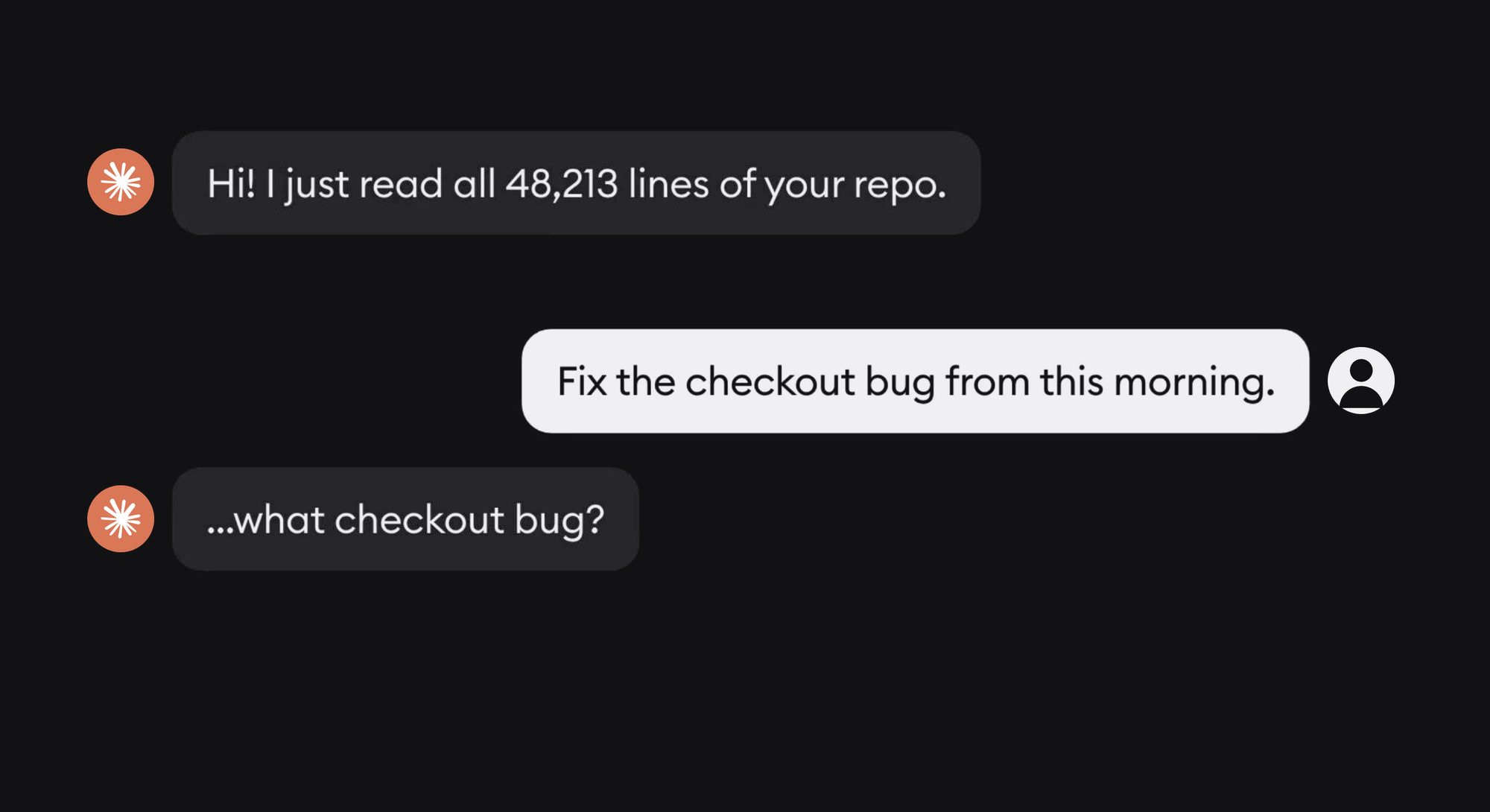
Out of the box, the agent has no idea what bug you’re talking about. You’d need to copy and paste the Sentry stack trace or the Slack conversation and become the router between the agent and the context it needs in order to be useful.
Teams use many tools, and often, agents need access to a combination of those tools to complete a task: the reason a ticket exists is in Linear, the stack trace is in Sentry, the design is in Figma, the spec is in Notion, etc.
On top of that, there’s the question of who can access what - in a multiplayer app where you and your teammates are all chatting with the same agent, it’s important to have control over whose account and API keys is used for any of these tools and which other team members can use it.
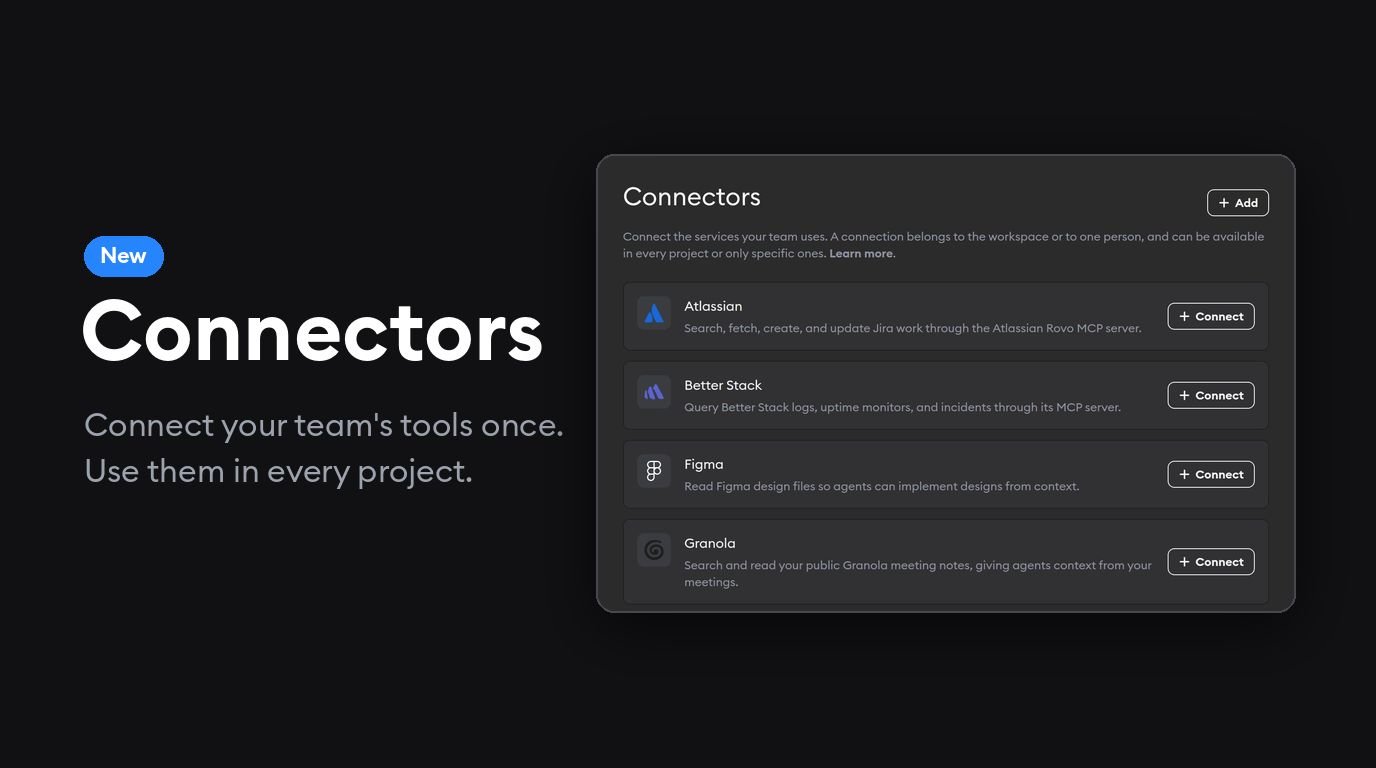
We've added a single place in Superconductor to quickly and easily manage all of this: Workspace Settings → Connectors.
What’s new
- Connect your tools once, use everywhere. Add a connection for the whole workspace, or pick specific projects.
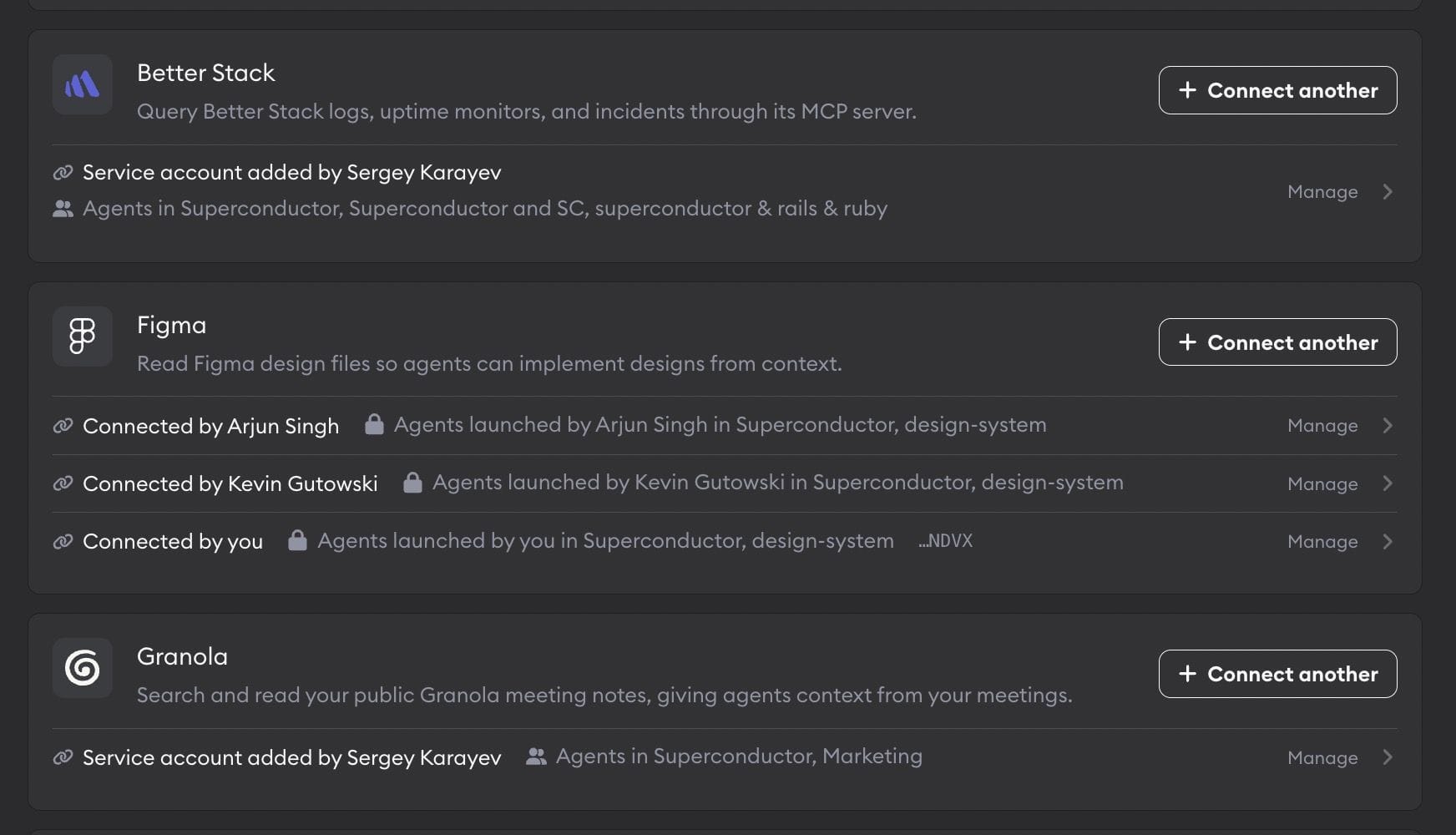
- Team or personal accounts. Share a service account with the whole team, or connect your own account. Your personal connection is removed if you leave the workspace; a team one stays.
- Your agents use your account. If both you and other people on your team have connected Figma, agents you launch use your connection first. You decide whether a personal connection is for “only agents I launch” or “anyone's agents”.
What it looks like in practice
Once your tools are connected, one agent run can pull context from all of them without you copying/pasting anything:
Look up LIN-482 in Linear, pull the latest stack trace for that error from Sentry, fix it, and comment on the Linear issue with what you changed. And please check PostHog to let me know how many users this bug affected.
Read our checkout spec in Notion and build the new payment step to match the Figma frame linked in the spec.
You can connect Better Stack, Figma, Granola, Jira, Linear, Notion, PostHog, Sentry, and Zapier today. If the tool you need isn't there, you can add your own.
Get started in Workspace Settings → Connectors, or read the Connectors docs for more details on how to set up connectors and how access permissions work.
Are there any connectors you’d like to see us add? Let us know!