
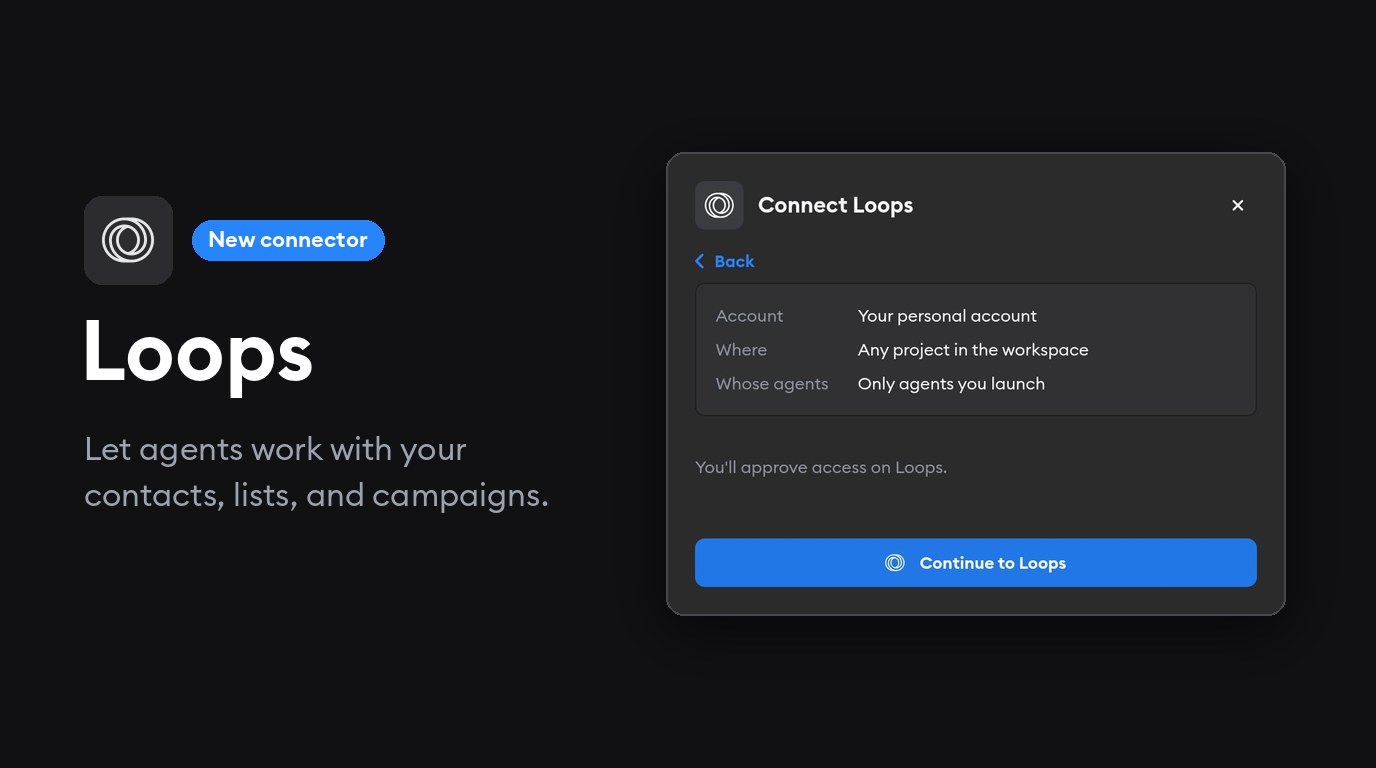
Our team recently switched to using Loops for our own product emails and newsletters, and we love it.
One example of how we’ve been using Loops and Superconductor together: People who sign up directly on the website should get a different welcome email than people who are invited to a workspace by their colleagues. That only works if two things agree: the events and contact properties our app sends to Loops, and the emails in Loops that use them.
Until now, an agent working on the signup code could only see one side of that. To check the other, someone had to open Loops and copy over what the email expected.
With our new Loops connector, agents can see and edit both your app’s code and the product and marketing emails it feeds into.
What you can do with the Loops connector
- Draft campaigns and product email. Whether you’re drafting a product newsletter or a reset password email, ask the agent to make a draft in Loops that’s in line with your team’s brand, ready for you to review and send.
- Look up contacts. Find a contact and see their properties, like which plan they're on or how they signed up.
- Review lists and campaigns. Get a quick read on how your audience and campaigns are set up and tweak the settings directly from your Superconductor agent chat.
- Catch mismatches early. Agents can check that the events and properties your code sends match what Loops expects.

Using Loops + Superconductor
Here are some examples of prompts you can try with your team in Superconductor once you’ve connected your Loops account:
Draft a product newsletter in Loops that features this month's changelog posts. Leave it as a draft so I can review it before sending. Make sure the template and language follows our company’s brand.
Check in Loops which contact properties our welcome email uses, then make sure the new signup flow we’re about to ship sends all of them.
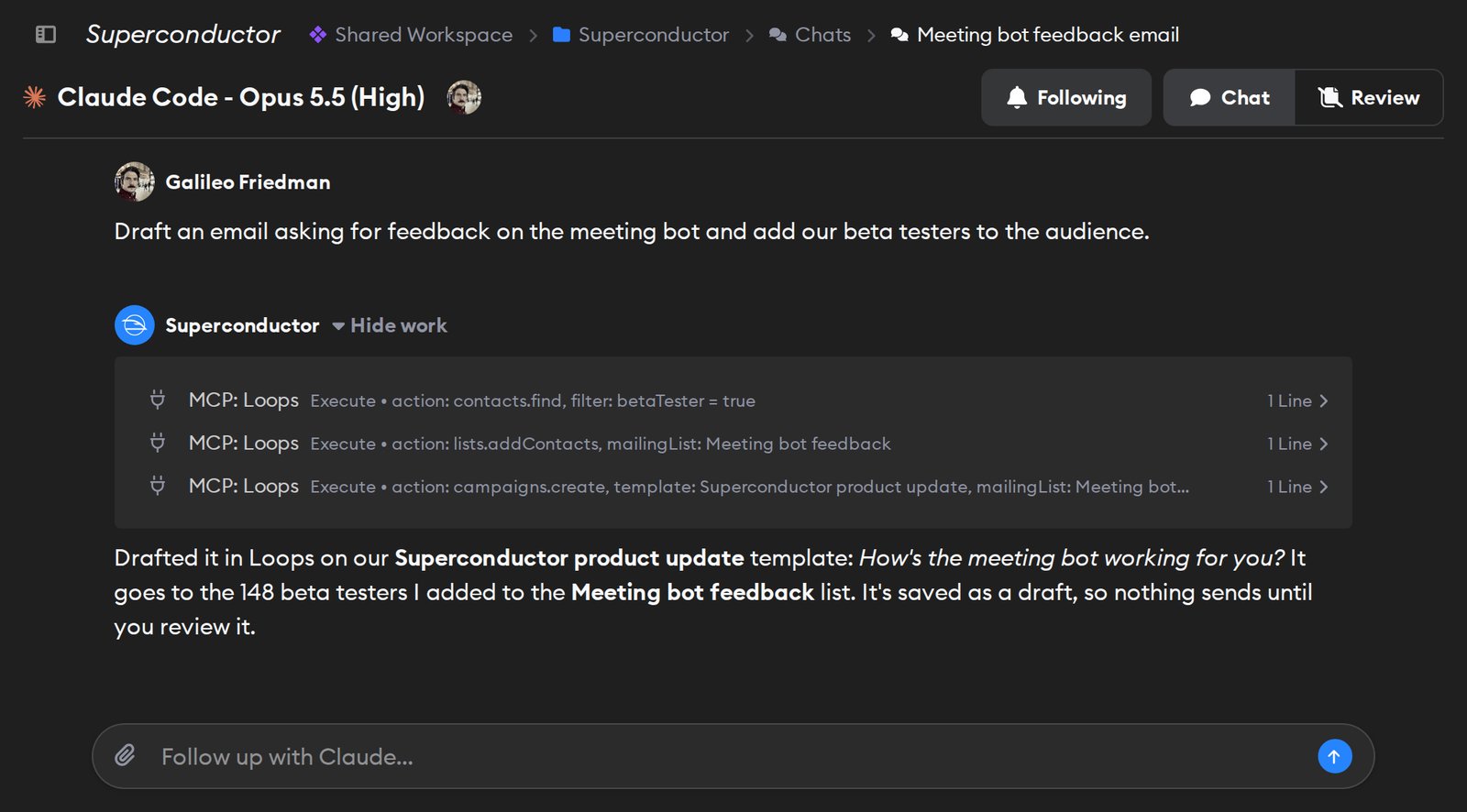
To connect, sign in with your Loops account from Workspace Settings → Connectors. No API key needed, just log in with your account.
Is your team using another tool for managing email campaigns? We’d love to hear more about what other connectors would be useful to you.