
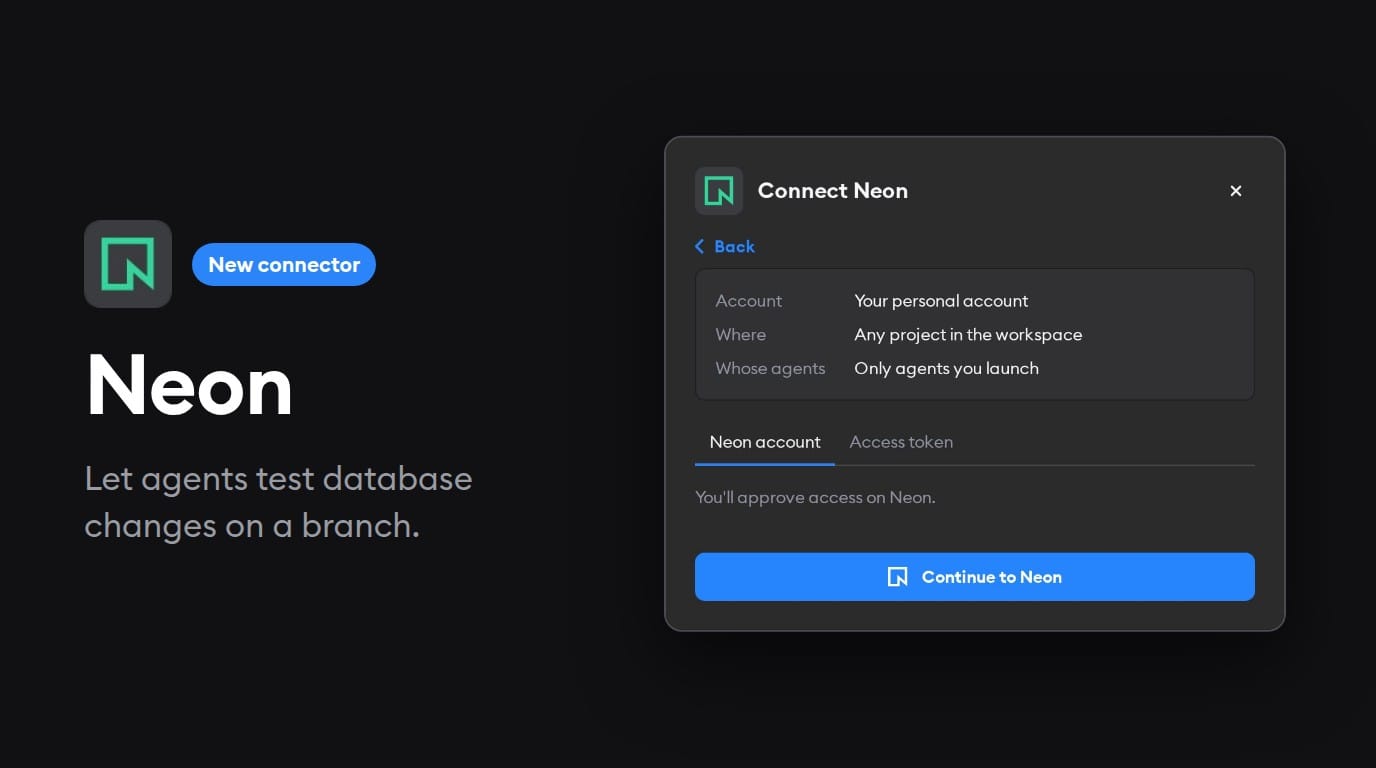
Coding agents can write a database migration in seconds. But finding out whether that migration works against your real data takes longer: you’d need to make a copy of the database, run the change, check the results, and report back to your team.
Neon is a Postgres database you can branch like code. It lets you and your team create a full copy of your database that you can change without touching the original. With Superconductor’s new Neon connector, your agents in Superconductor can create that branch, run the migration on it, and show you what happened, in the same chat where they wrote the code.
Things your agents can do with Neon
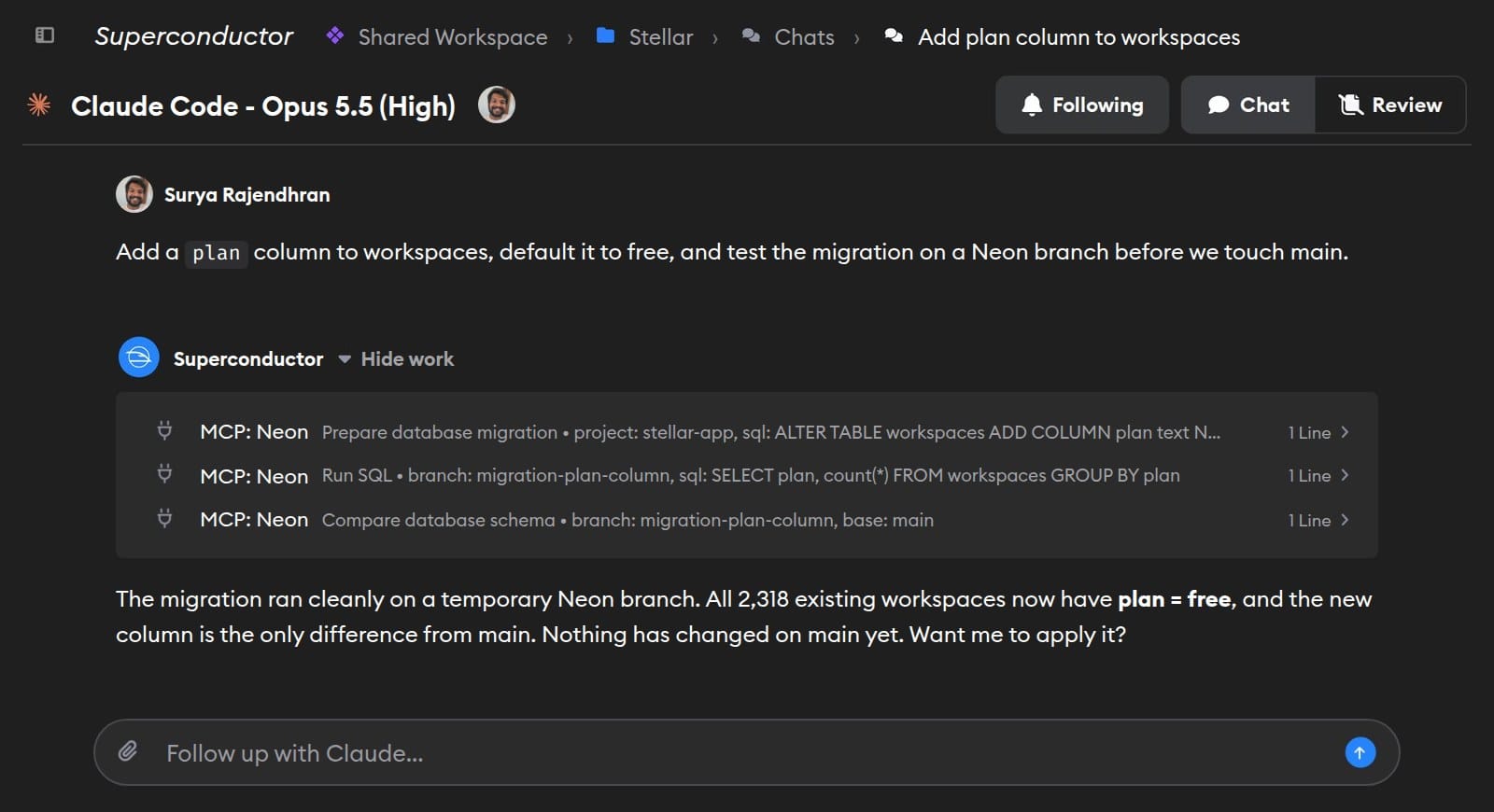
- Test migrations on a branch. Agents apply the migration to a temporary Neon branch, check the data, and compare the schema with your main branch before anything changes there.
- Answer data questions. Ask a question in plain language, like how many customers signed up each week this quarter, and the agent writes the SQL, runs it, and puts the answer in a table. This can be particularly helpful for non-technical team members who have questions about the database.
- Find slow queries. Agents can look up your slowest queries and suggest indexes to speed them up.
- Manage projects and branches. Agents can create, look up, and clean up projects, branches, and databases.

Using Neon + Superconductor
Here are some examples of prompts you can try with your team in Superconductor once you’ve connected your Neon account:
Create a Neon branch for this ticket, apply the migration there, and tell me if anything breaks.
How many customers signed up each week this quarter? Query our analytics database in Neon and put the numbers in an easy-to-read table.
Our dashboard got slow this week. Use Neon to find the slowest queries and suggest indexes.
When you sign in with Neon, you choose whether agents get Read only or Read and write access, and whether they can reach all your projects or just one. With write access, agents can run any SQL and delete projects, branches, and databases. Note that Neon recommends its MCP server for development and testing, so connect an account that can’t reach production data.
To connect, sign in with your Neon account from Workspace Settings → Connectors, or paste a Neon API key instead. See the Neon integration page for what agents can do once you’re connected.
Does your team use any other dev tools that you’d like to connect to Superconductor? Let us know!