
Here's a summary of all user-facing changes on Superconductor from September 20-26:
Major Changes
Connect your own MCP servers
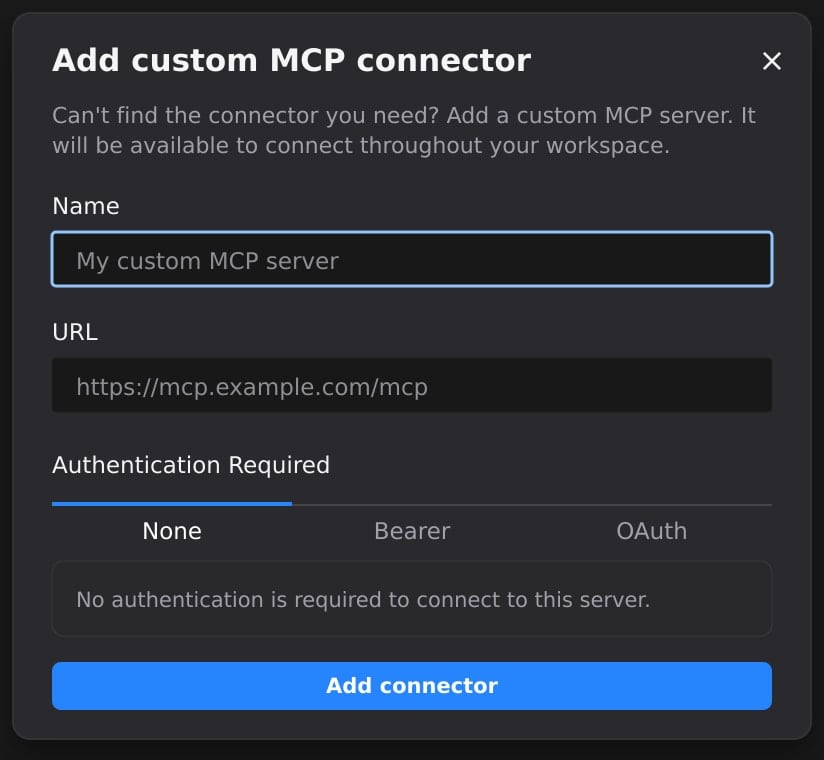
You can now add your own remote MCP servers from Workspace Settings → Connectors. Click Add, give the server a name and URL, choose how it authenticates, and it appears alongside the built-in connectors for every project in your workspace.
That means agents can use internal search, in-house APIs, or vendor MCP servers we do not have a built-in connector for yet, while Superconductor handles the connection details, project access, and network access for you.
We've also made the connector list easier to scan. Custom connectors and connectors you've already connected now appear first under Your connectors, with the remaining built-in options under More connectors.
New model launches
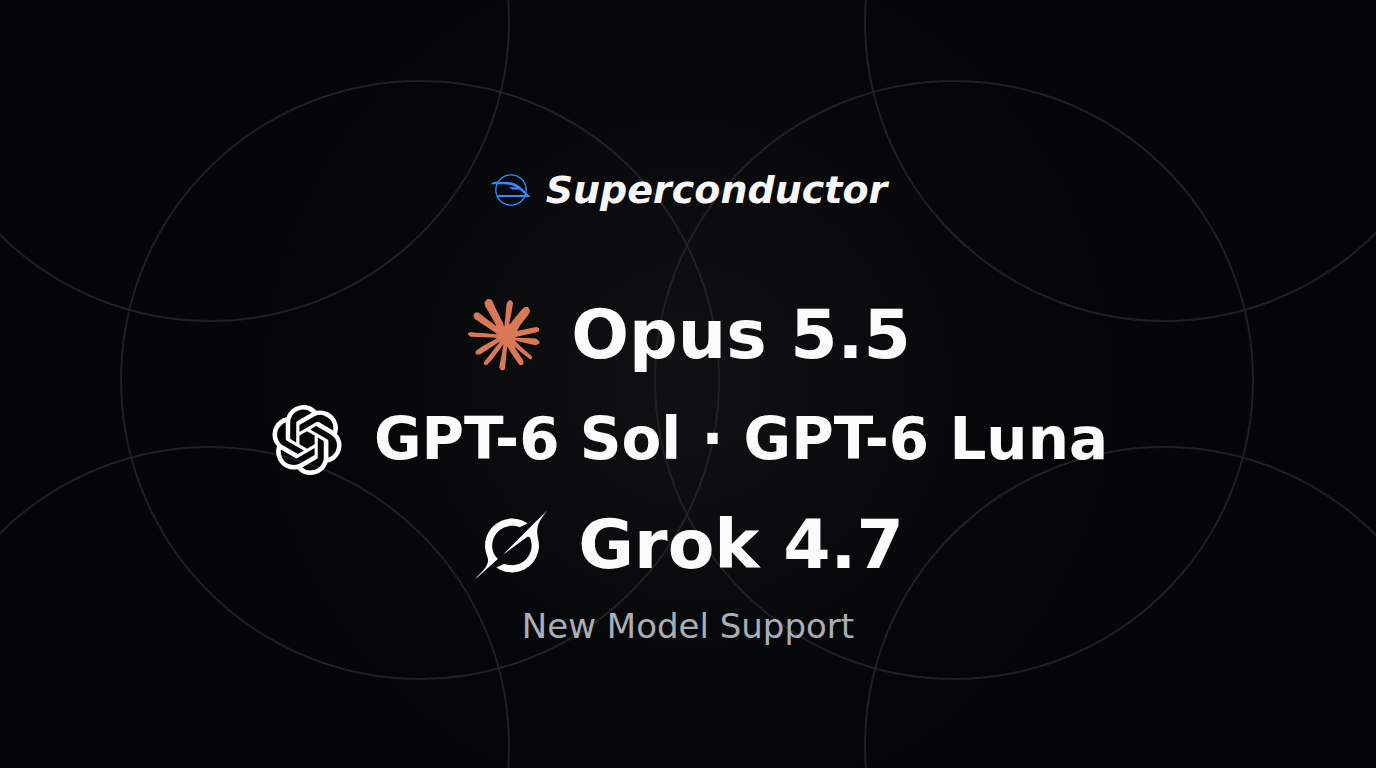
You can now launch agents with Claude Opus 5.5 in Claude Code. It is the new preferred Opus profile for Claude Code runs, while Opus 5 remains available.
Codex profiles now include GPT-6 Sol and GPT-6 Luna, with Medium, High, Extra High, and Max reasoning effort.
Cursor and Grok Build profiles now include Grok 4.7 at Low, Medium, High, and Extra High reasoning effort. Grok 4.6 is kept only for existing runs. Claude Code's older Fable 5 profile has also been retired from new selection, so Fable 5.1 is the active Fable option going forward.
Other Changes
Connect Sentry by signing in
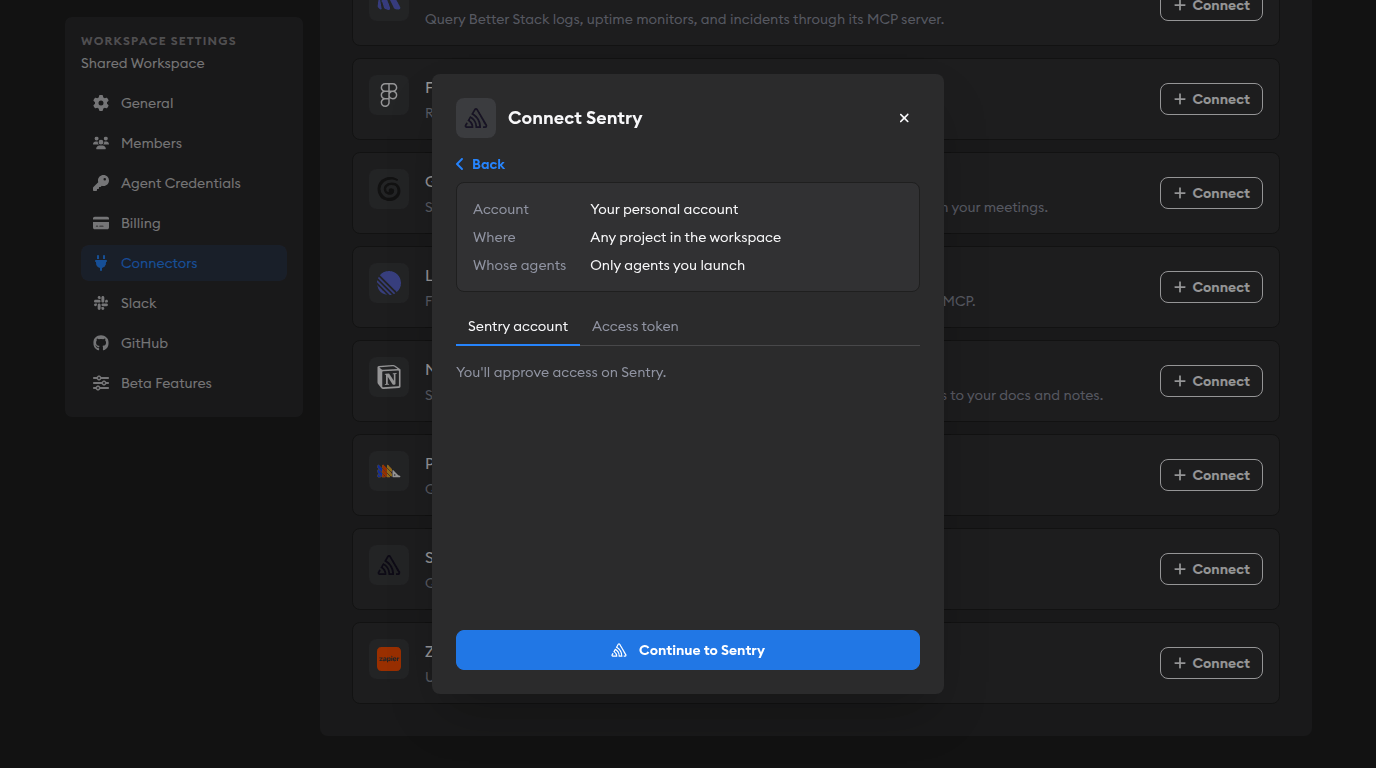
Sentry is easier to connect: you can now choose Sentry account and sign in through Sentry instead of creating and pasting an access token. You can still use an access token when you want narrower permissions or a separate service account.
Review panels keep your place while agents update the diff
When an agent pushes new changes, the review panel now updates in place instead of refreshing. Your scroll position, active tab, display options, and unsaved line-comment drafts survive diff updates as long as the underlying line still exists.
Expired workspace invites are easier to recover
Workspace invitations now last 60 days instead of 30. If someone's invitation expires, the expired invite page now includes Request a New Invitation, which emails the original inviter.
Fixed Issues
Long URLs and file paths wrap instead of overflowing
Long unbroken strings in markdown content, such as URLs, file paths, and identifiers, now wrap across chat messages, ticket descriptions, guided review, QA Checks, rich messages, and worklog steps instead of stretching past the edge of the page.
QA Checks explain failures and handle "no tests needed" better
Failed QA Checks [Beta] now show the specific failure reason and help text instead of a generic failed-run message. QA Checks can also mark "tests added" as N/A when a change legitimately does not need new tests, instead of showing a red failure icon.
Chat deletion no longer pulls you away from your current page
Deleting a chat from the sidebar now removes it in place. Superconductor redirects you only when the chat you deleted is the one you were actively viewing.
Other News
Compare multiplayer AI platforms
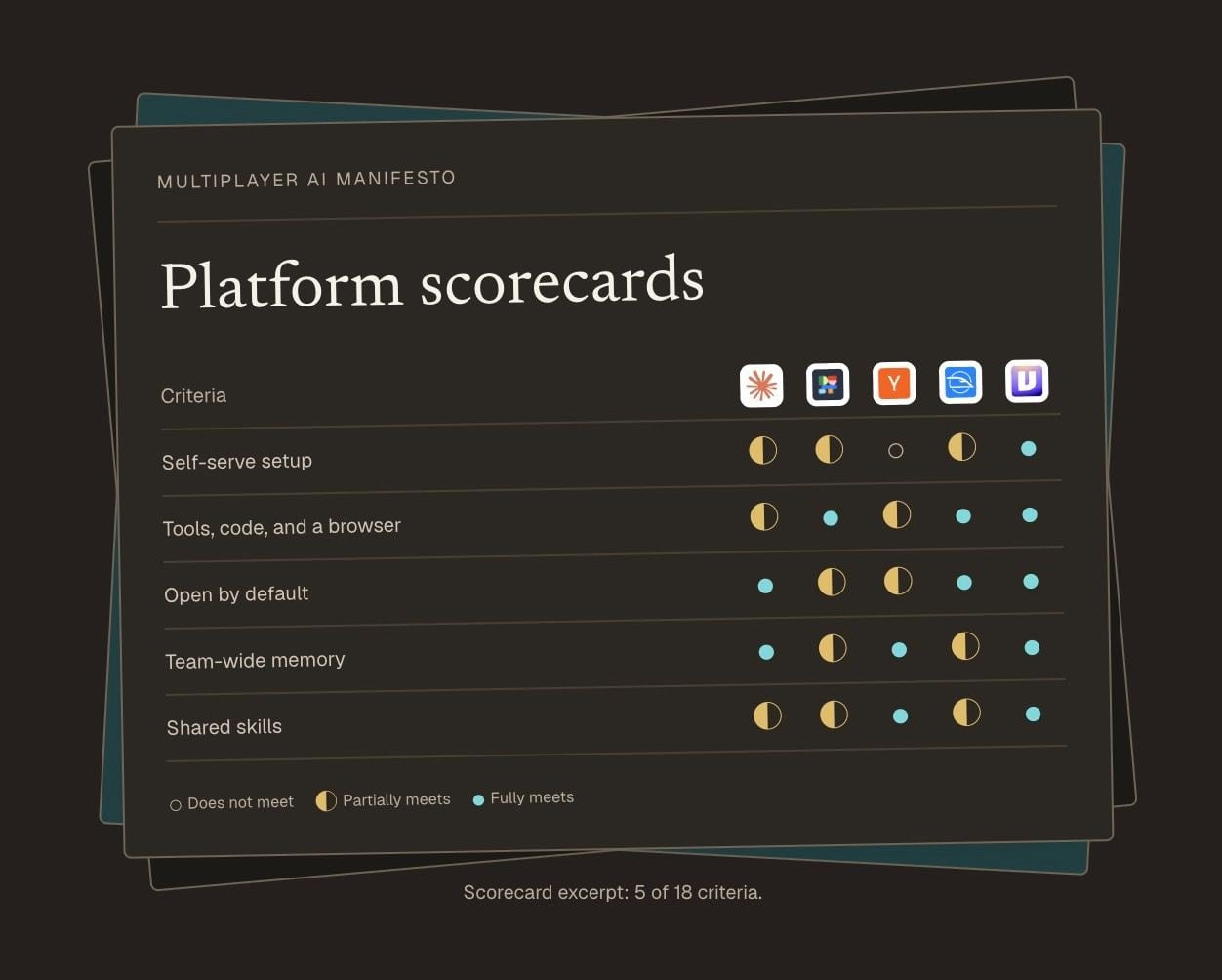
The first Multiplayer AI platform comparison is now live. We evaluated five platforms — Claude Tag, Dust, QM, Superconductor, and Viktor — against 18 criteria drawn from the Multiplayer AI Manifesto.
You can switch between presets for software development teams, sales and ops teams, small businesses, and large enterprises, or adjust the criteria weights yourself. Each criterion includes the reason behind the score, and we recorded walkthrough videos of each platform so you can see the evaluation for yourself.
Have feedback or ideas for things you'd like to see on Superconductor? Let us know!