
Keep monday.com boards up to date with Superconductor agents
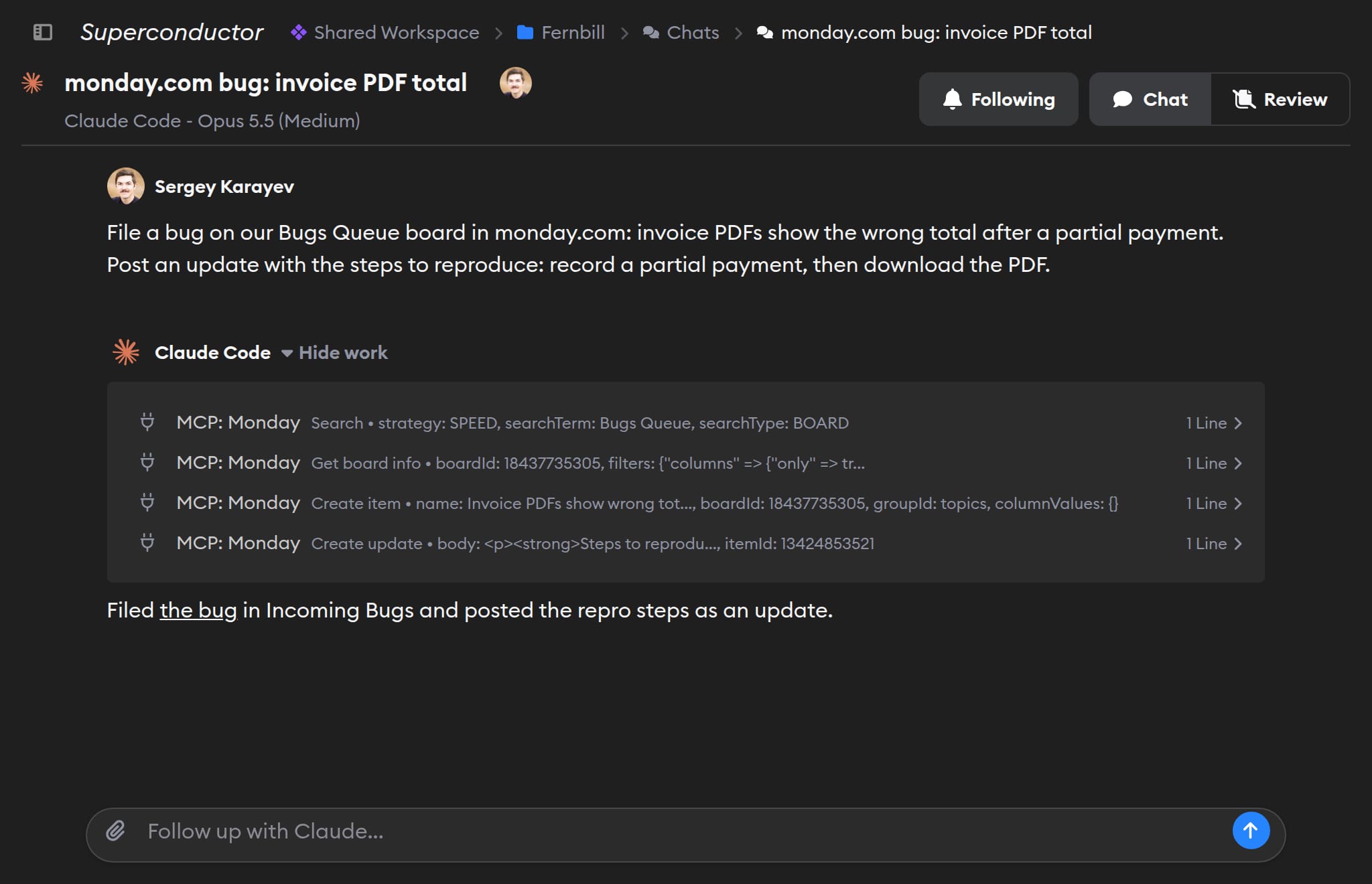
Connect monday.com to Superconductor and your agents can now read the item behind a ticket, then update its status, post updates, and add follow-up items as they go. Superconductor runs that work in a shared session, so your team can see which items an agent read, changed, or created.
Superconductor lets you and your team chat with coding agents such as Claude Code, Codex, Pi, and more in shared, secure cloud sessions.
With our monday.com integration, you can
- Read a board item and do the work it describes
- Add follow-up items to a board, with an update on each
- Move an item to Done and post what changed
Try asking
- Summarize what's still open on our Launch board in monday.com, grouped by owner, and draft a status update.
- Write up the decisions from this chat as a monday.com doc in our Marketing workspace.
- List every item on our Bugs board that's marked Stuck, with its owner. Don't change anything.
Technical details
- Agents can
- Search and read boards, items, updates, and docs; create and update items; post updates
- Access
- The signed-in user's or API token owner's monday.com permissions
- Needs
- monday.com sign-in (approved by an account admin) or a personal API token
- Server
- monday.com's hosted MCP server
Example
Questions
- Can Claude Code use the monday.com MCP server?
- Yes. Once you connect monday.com in Superconductor, every coding agent you run there, including Claude Code, can use monday.com's hosted MCP server at
mcp.monday.com. There's nothing to install locally. - How do I connect monday.com?
- Click Connect on the monday.com card in Workspace Settings → Connectors, then sign in with your monday.com account or paste your personal API token. Signing in needs a monday.com account admin to approve Superconductor first; an admin who signs in approves it by clicking Authorize.
- Who do the items and updates agents create belong to?
- The monday.com user who signed in or whose API token you pasted. Agents can only do what that user can do in monday.com.