
Here's a summary of all user-facing changes on Superconductor from August 2-8:
Major Changes
Superconductor is approved on the Slack Marketplace
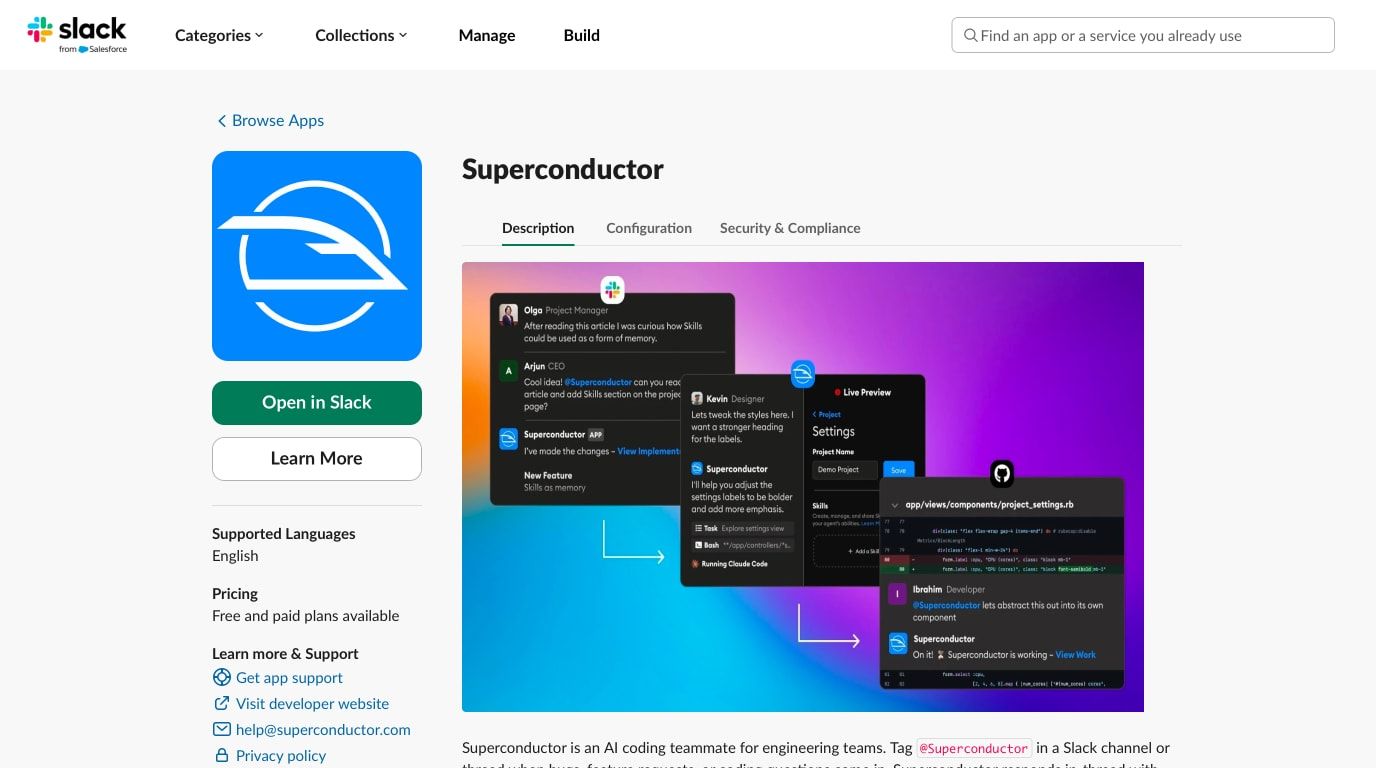
Superconductor's Slack app is now approved on the Slack Marketplace. Teams can install Superconductor directly from Slack, then mention @Superconductor in channels or threads to create implementation work, include Slack thread context, and get progress updates and pull request outcomes back in Slack. See the Slack integration docs for setup details.
Zapier MCP support
Superconductor now supports Zapier MCP, so agents can use the apps and actions each teammate connects through Zapier. Projects enable Zapier from Project Settings -> Skills and MCPs, and each workspace member adds their own token under Workspace Settings -> Personal Settings.
Review artifacts alongside code changes
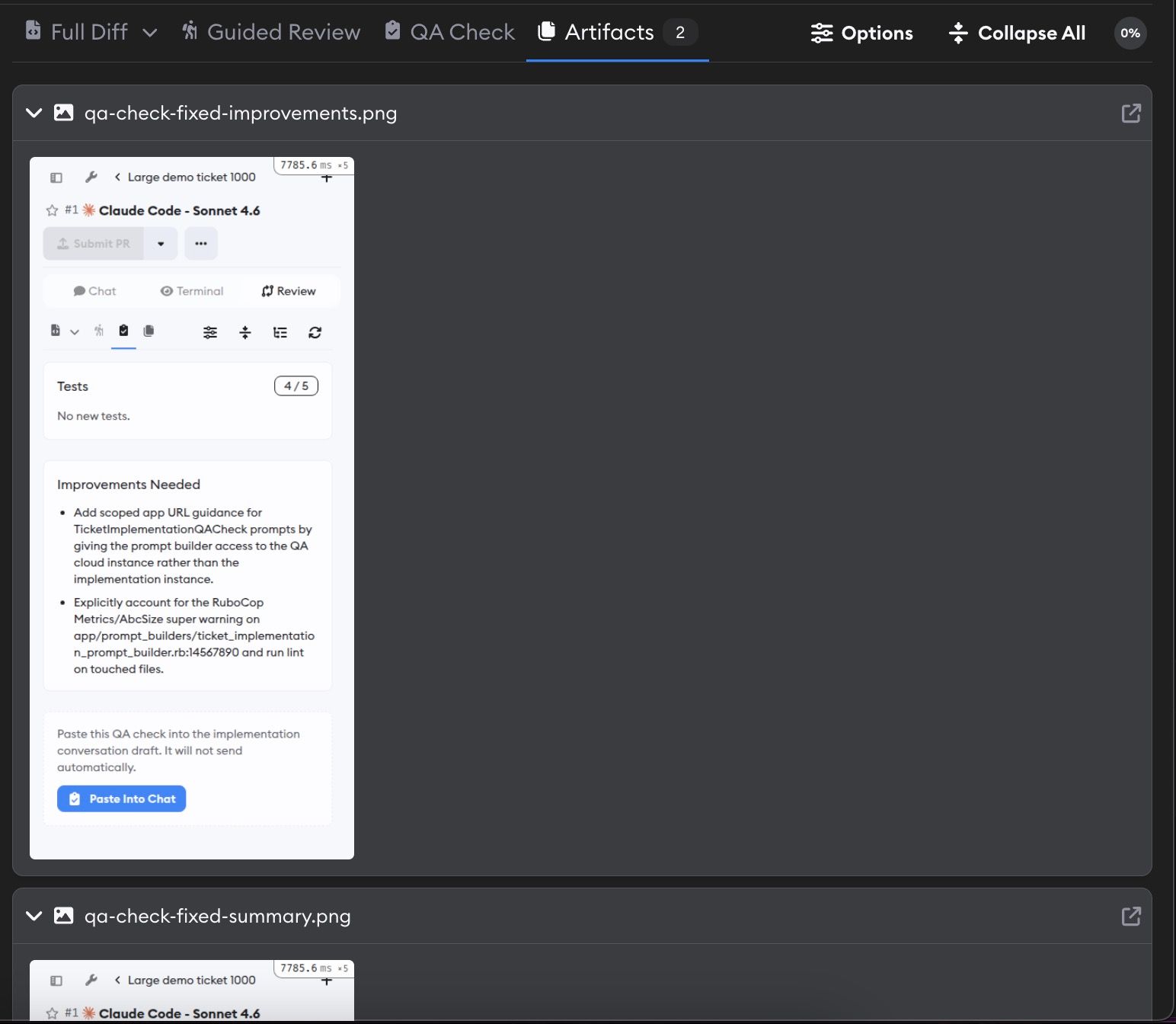
Implementation pages now have a dedicated Artifacts tab in the review pane, so screenshots, videos, generated files, and other agent outputs are easier to find next to the diff and review workflow.
When an implementation has artifacts but no code diff, Superconductor now opens the Artifacts tab by default.
Other Changes
More agent models
Pi now supports Qwen 3.8 Max, while Pi and OpenCode now support DeepSeek V4 Flash. OpenCode, Factory Droid, and Cursor also now include Gemini 3.6 Flash, giving teams more options when comparing agent quality, cost, and speed.
Ticket navigation is faster
Clicking on a ticket on your project now opens the implementation page directly when the ticket has only one implementation. This gets you from project dashboard to implementation faster.
Playwright browser downloads work with the default network sandbox settings
The default trusted package registry rules now include Playwright's browser CDN, so agents can install Playwright browsers when common package registries are allowed.
Keyboard shortcuts are easier to find
We've added a new page to our docs that documents all the keyboard shortcuts you can use in Superconductor.
Fixed Issues
Environment setup no longer gets stuck after secrets are submitted
We fixed a bug where submitting required secrets during automatic environment setup sometimes left the setup in a permanent running state.
Desktop previews no longer steal chat focus
In the desktop app, preview reloads no longer blur the chat input while you're typing.
Sidebar updates refresh more reliably
Automation titles now refresh in Recent Activity after generation.
Have feedback or ideas for things you'd like to see on Superconductor? Let us know!