Zapier
Let agents use the apps you connect through Zapier.

Zapier MCP connects agents to the apps and actions you choose in Zapier.
Setup
Go to Workspace Settings → Connectors (or a project's Connectors page) and click Connect on the Zapier card (or Connect another to add another account).
Step 1: who the connection is for
Choose whether the connection belongs to you or to your team, which projects can use it, and whose agents can use it. Zapier starts on Personal Account. See connection options for what each choice means.
Click Continue.
Step 2: how agents reach Zapier
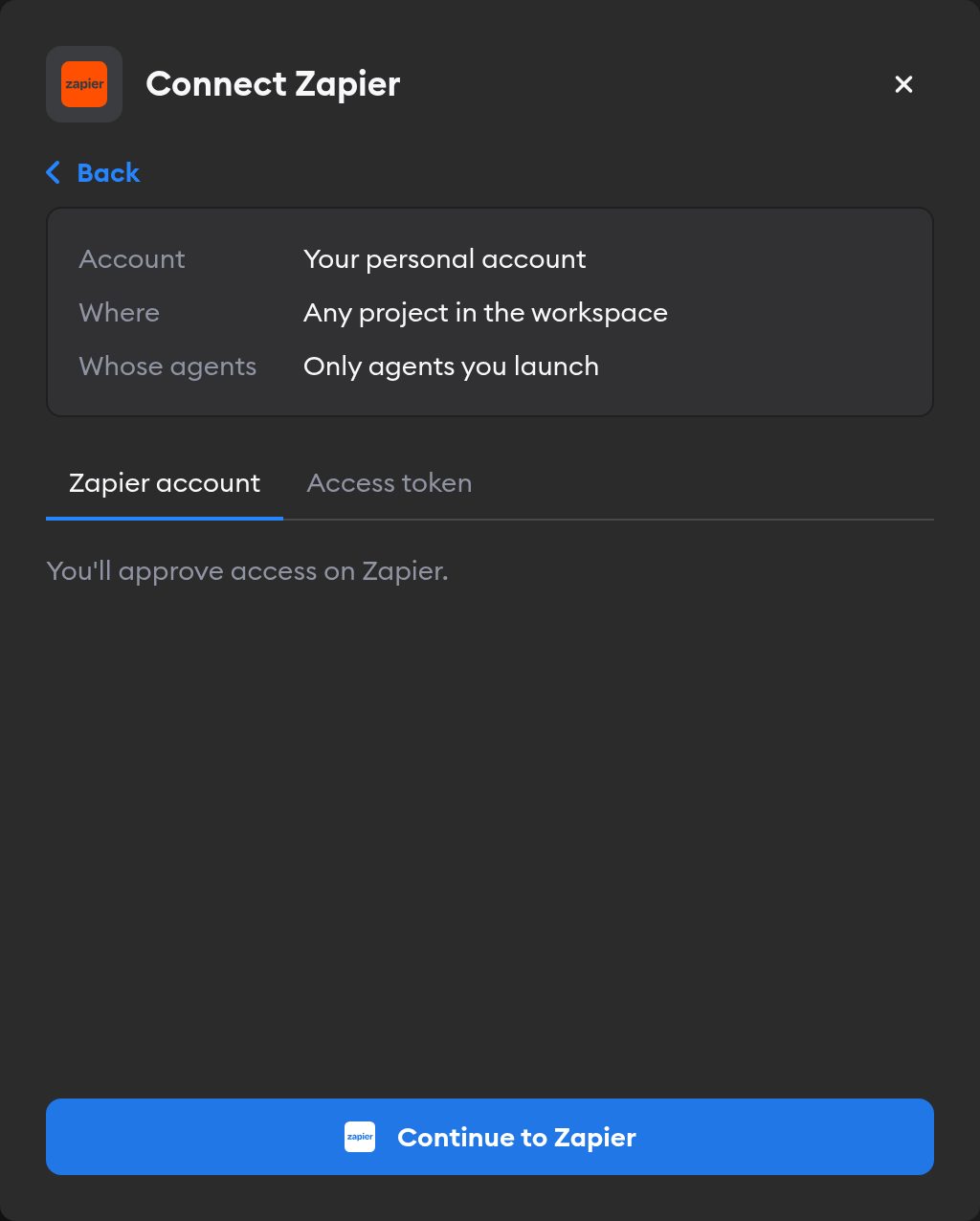
The second screen has two tabs: Zapier account and Access token. Pick one.
Zapier account
This tab is selected by default, and it's the easiest way in — there's no key to create.
Click Continue to Zapier. Zapier asks you to approve access. Approve, and you land back on the Connectors page with Zapier connected.
Agents then act in Zapier as whoever signed in, so they see exactly what that person can. If you picked Workspace Service Account in step 1, everyone's agents use that access — so sign in with an account whose permissions you're happy to share.
Zapier sets up an MCP server for the connection. Choose which apps and actions agents can use in Zapier MCP.
Access token
Use this tab to give agents one specific Zapier MCP server:
- Go to Zapier MCP and create a server.
- Select Other as the agent type.
- Add the apps and actions you want agents to use.
- Open the Connect tab and generate a token.
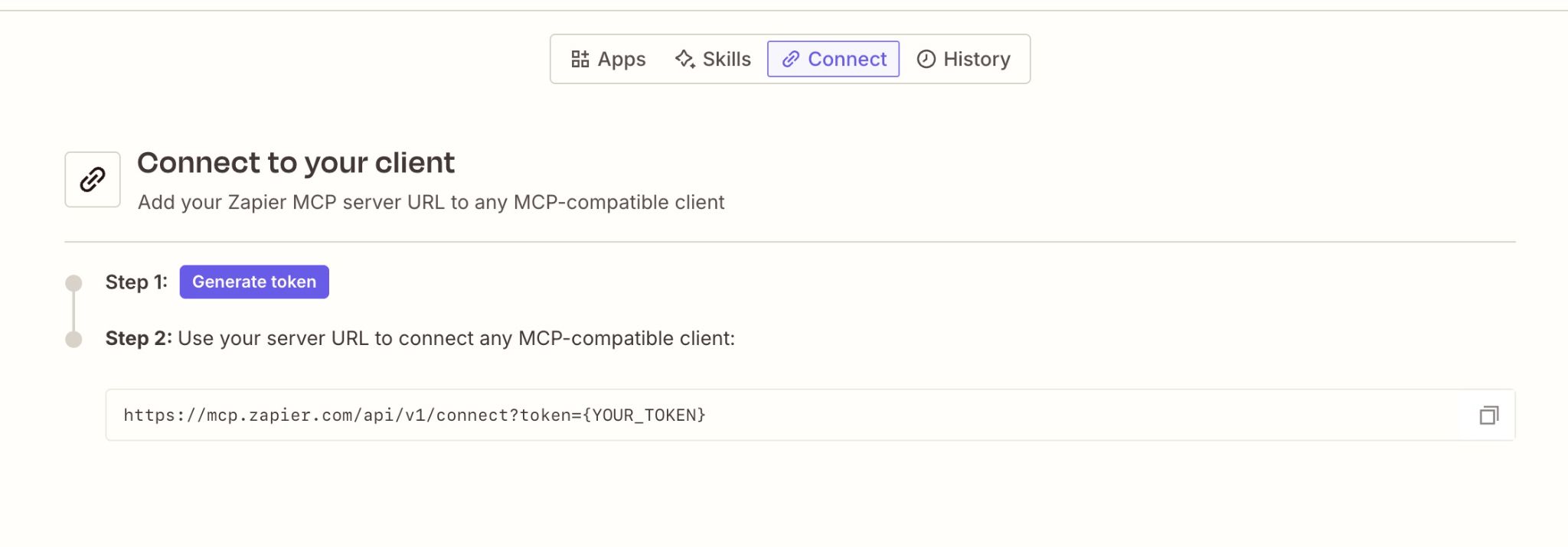
Paste it into the Zapier MCP Token field and click Connect Zapier.
Reconnecting and disconnecting
If Zapier stops accepting a connection, the Connectors page shows a Reconnect needed badge on it, and agents run without Zapier.
Click Manage next to the connection to fix it. A connection you made with Zapier account has no key to replace: it shows Account connection: Connected and, when something's wrong, a Reconnect Zapier button. You can only reconnect a personal connection you own; for someone else's, Superconductor tells you who to ask.
Disconnect also revokes Superconductor's access at Zapier. If Zapier doesn't confirm the revocation, Superconductor tells you to remove Superconductor from your Zapier authorized apps to finish the job.
When to use it
Connect Zapier when you want agents to use an app that isn't listed under Connectors. Only add the apps and actions you want agents to access.