Integrations
Connect GitHub, Slack, Linear, and the other tools your team uses so agents can work where your team already works.
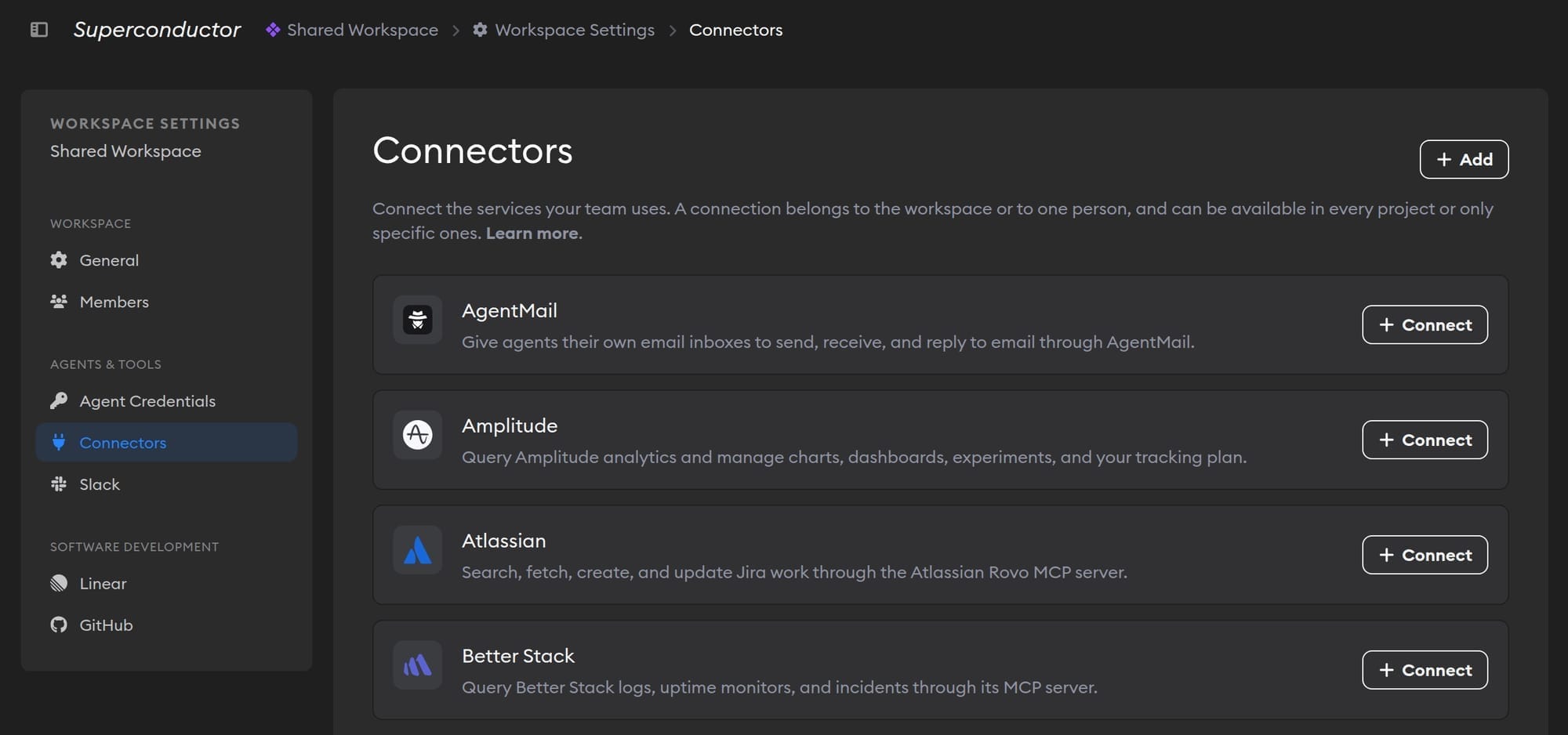
Integrations give agents the context they need: a pull request in GitHub, a conversation in Slack, an issue in Linear. Workspace Settings has dedicated GitHub, Slack, Linear, and Connectors pages to connect your tools.
- GitHub — Connect your repositories and ask agents to work on pull requests from GitHub.
- Slack — Start work, talk to agents, and follow progress from Slack.
- Linear — Assign an issue to Superconductor or @mention it to launch an agent, and follow progress from Linear.
- Connectors — Give agents access to tools such as Notion, Jira, Figma, Sentry, and Gmail. Connect a team or personal account, choose which projects can use it, or connect your own tools.
Looking for a specific tool? Browse the Superconductor integrations page to see every tool, coding agent, and service Superconductor works with, sorted by category.
Let us know which tools you'd like to connect next!