Desktop apps
Use Superconductor from the macOS and Linux desktop apps.
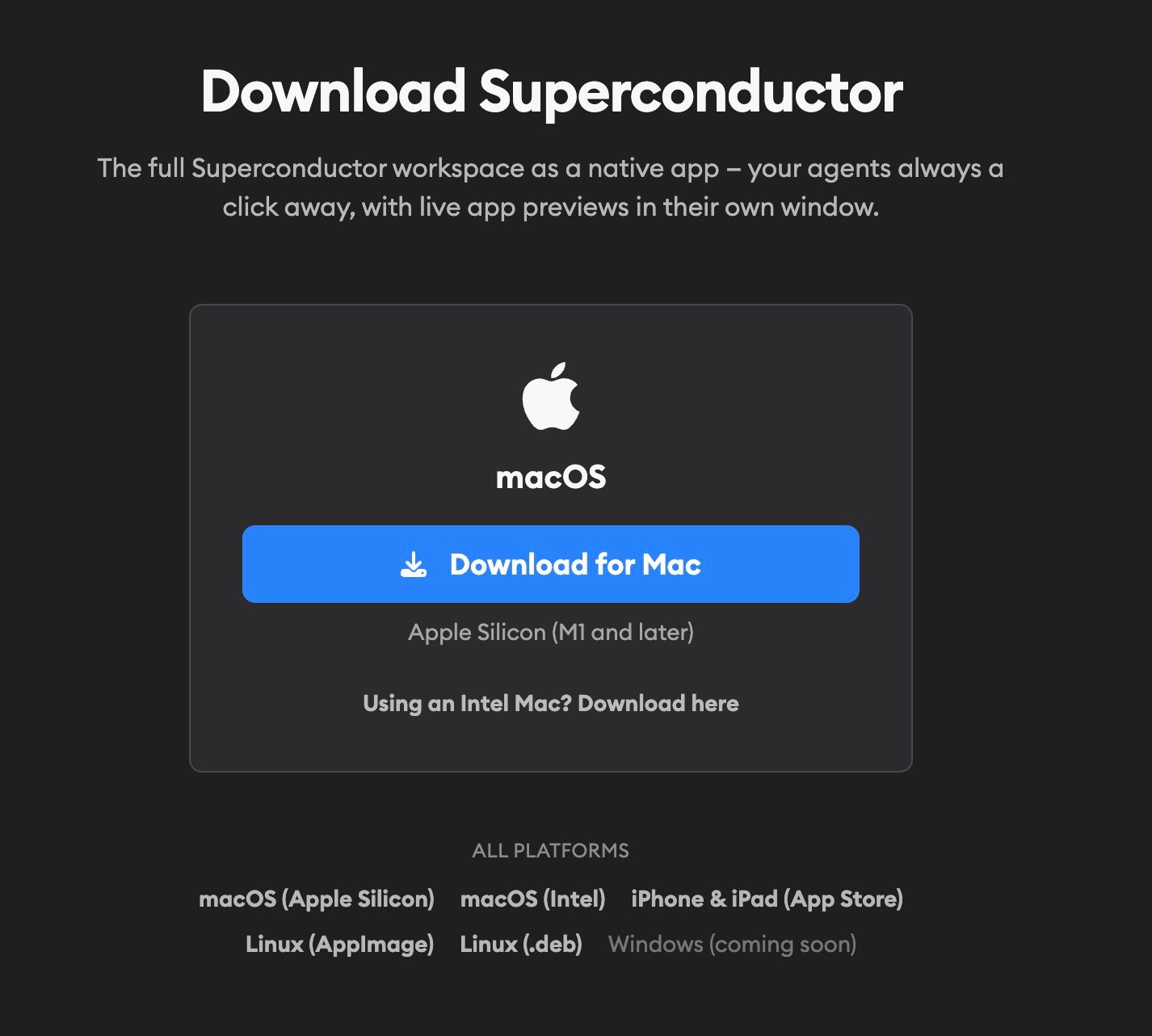
Use the desktop app when you want Superconductor in its own window instead of another browser tab. It works like the browser app, with a few extra keyboard shortcuts for moving around.
Download Superconductor for macOS and Linux.
macOS
Choose the installer for your Mac:
- Apple Silicon: recommended for M1 and later Macs
- Intel: available as a separate download
The macOS app checks for updates on launch and every few hours, and prompts you to restart when an update is ready.
Linux
Linux users can choose either package format:
On Linux, the AppImage can self-update. The .deb package is managed through your system package manager.
Windows
Windows support is coming soon.
Keyboard shortcuts
Every Superconductor keyboard shortcut works in the desktop app too. The desktop app also adds its own shortcuts for going back and forward, reloading, zooming, and opening the new ticket form from anywhere. See Desktop app shortcuts for the full list.
Push notifications aren't available in the desktop app yet. Use the mobile app if you want to be notified when an agent finishes.