
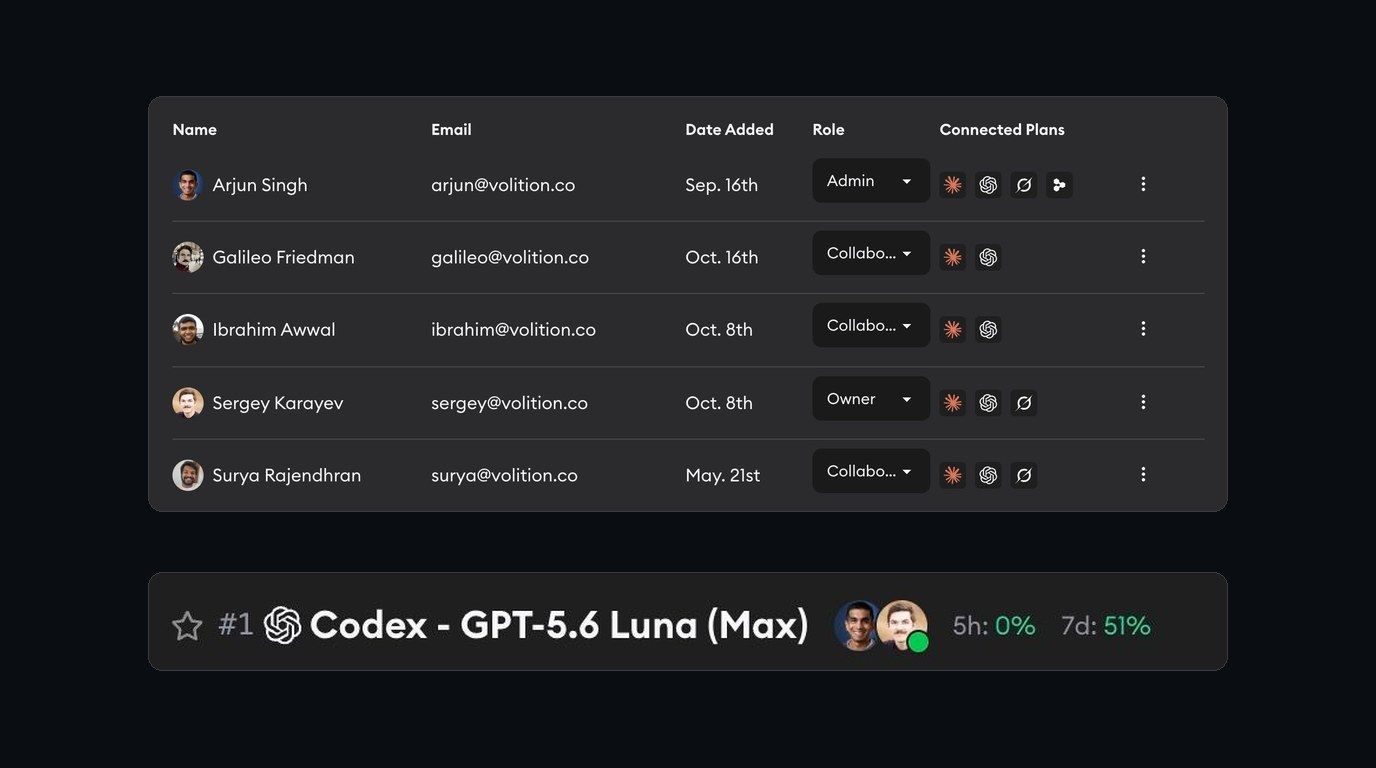
Superconductor is a multiplayer workspace. Engineers, PMs, and designers all work in the same agent sessions, which is great right up until two of you are steering the same agent and neither of you knows it.
We added a few things to conversations inside implementations that all answer one question: who else is in here?
Avatars

Add a profile image in Account Settings, and teammates can quickly spot you across tickets, conversations, and implementations. A face is faster to scan than a name.
Presence

The avatars at the top of an implementation show who follows it, who has participated in it, and who is looking at it right now. A green dot means a teammate is actively watching; a gray dot means they still have it open in a background tab.
Typing indicators

When a teammate starts writing, their name and is typing… appear above the message box, so you don't talk over each other mid-course-correction.
Connected plans on the Members page
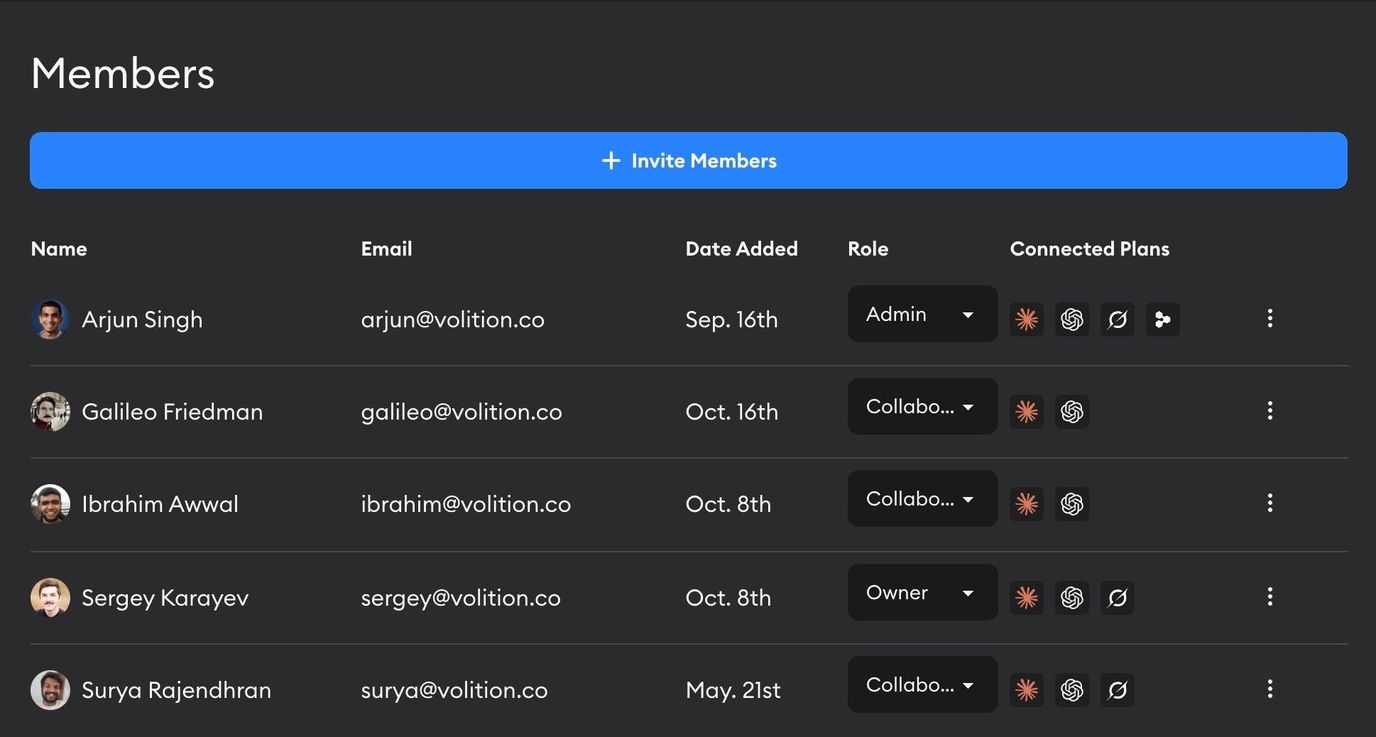
Your Workspace Members page now shows which teammates have a Claude, Codex, or Grok plan connected, so it's clear whose credentials are available to cover a run.
Agents know who you are
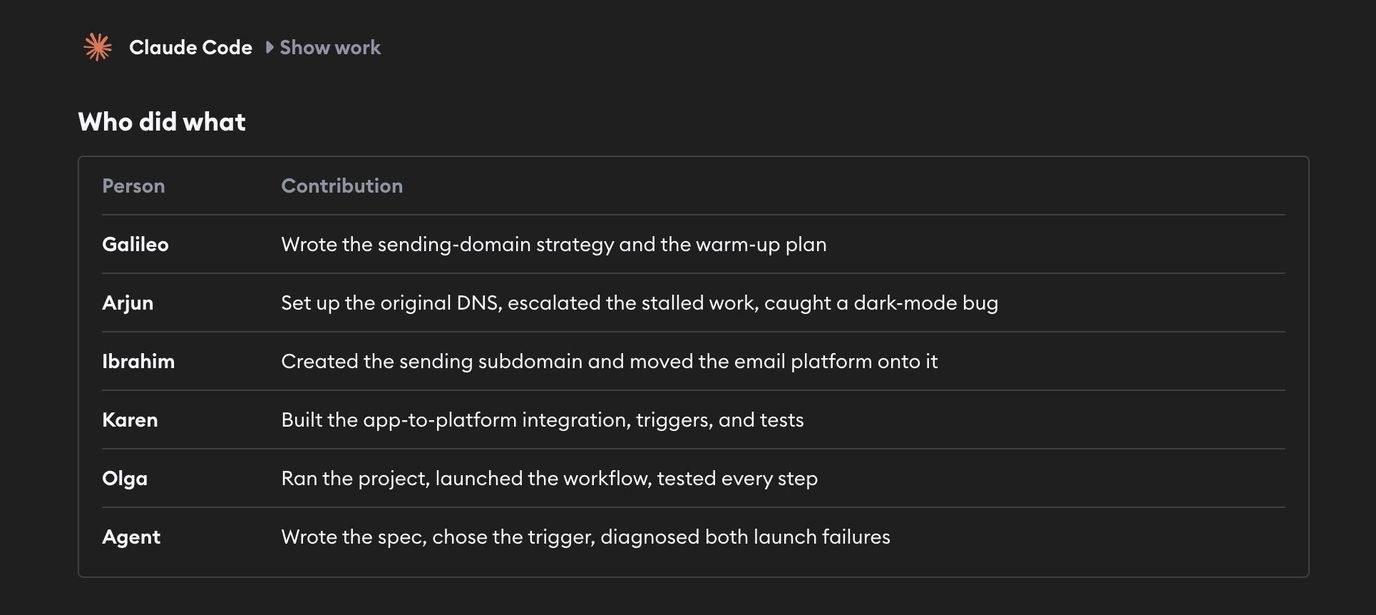
Agents now keep track of who on the team is contributing what to the conversation. Every message reaches the agent with the name of the teammate who sent it, so when several people share a session, it can tell that your designer asked for wider spacing on Tuesday and that you asked for something different this morning, rather than following whoever spoke last. Ask it what a teammate requested earlier and it can tell you, and it can address people by name when it answers.
Together, these change what a session feels like. A PM who asked a designer to look at an agent's mockup can watch that designer's avatar turn green on the implementation, instead of asking in Slack whether they got to it yet. An engineer opening a session can tell a teammate is already mid-instruction and wait a beat rather than sending the agent a contradictory message. The work stops feeling like a document someone left open and starts feeling like a room with people in it.
More ways to work together
Here are a few other ways our own team works together with coding agents in Superconductor:
- Summon an agent straight from a Slack thread, with the whole thread as context
- Tag
/scon a GitHub review comment to send an agent your feedback without leaving the PR - See who's running what, and what it costs, on the Usage dashboard
- Invite the Meeting Assistant to your team meetings to turn discussion into tickets in real time (currently in beta — email us for access)
Have thoughts, or something else you'd like to see for teams? Let us know!
More on multiplayer AI
Learn what makes AI multiplayer and how shared sessions change the way teams work with agents.