
Here's a summary of all user-facing changes on Superconductor from October 18-24:
Major Changes
Run Muse Code alongside your other agents
You can now launch Muse Code, Meta's coding agent, on your tickets. Choose Muse Wonder 1.0 or Muse Spark 1.3 with Medium, High, Extra High, or Max reasoning effort, and compare its approach with other agents on the same work.
Connect your Muse Code subscription from Account Settings → Subscriptions, or add a Meta API key in your workspace or project's Agent Credentials. When you have both connected, Superconductor uses your subscription first and shows those runs as covered by your plan.
An API to access Superconductor
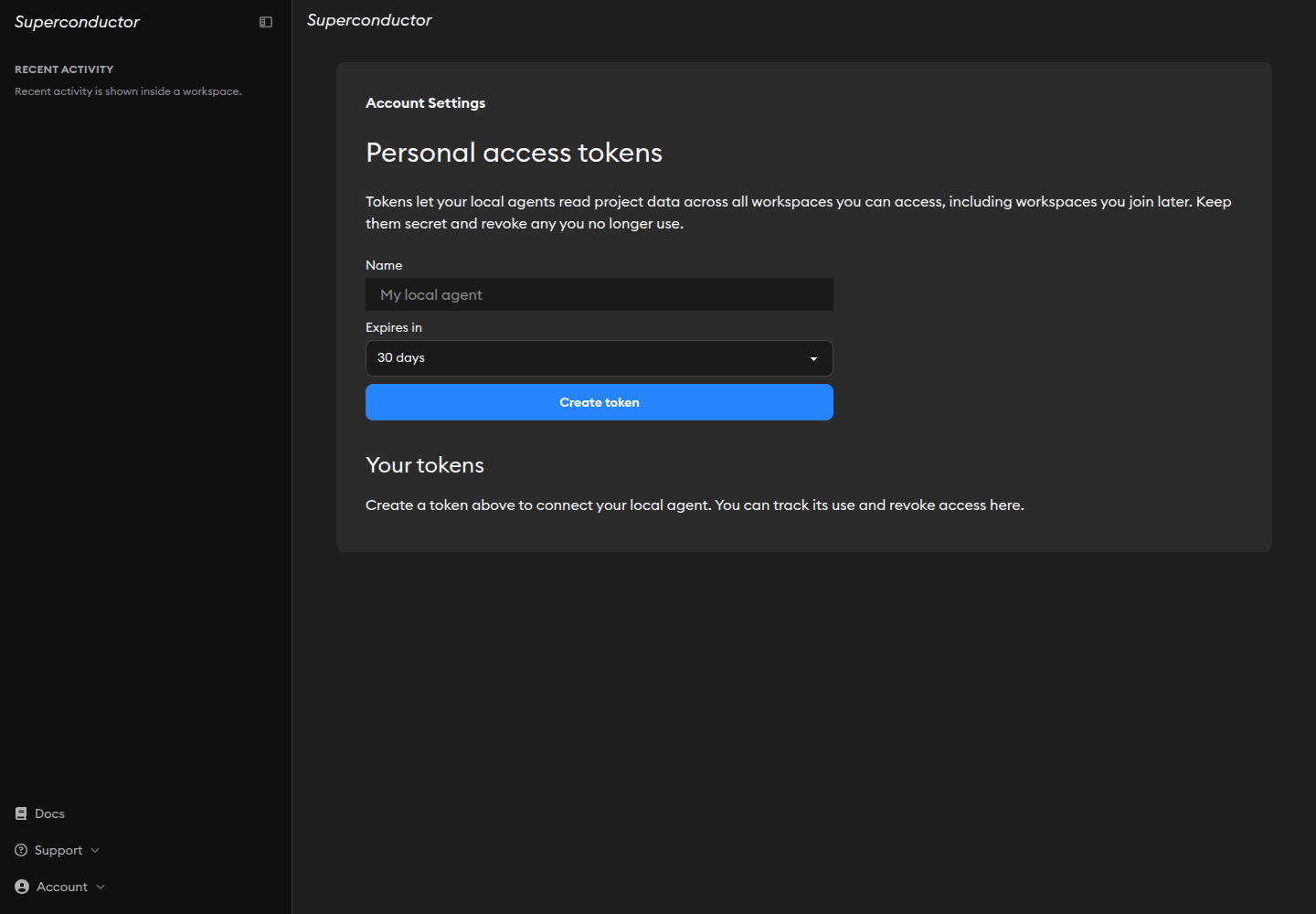
You can now use the Superconductor API to bring project context into your own scripts and local agents. Read the projects you can access, list their tickets and chats, and fetch implementation details, code diffs, and conversations.
Create a personal access token from Account Settings → Developer → Personal access tokens. Give it a name, choose an expiration, and revoke it whenever you need to. Tokens follow your existing project permissions.
The API is read-only for now, and we'll be adding more capabilities in the near future. We'd love to hear which capabilities would be most helpful to your team — let us know!
Three new connectors: Cloudflare, Neon, and Context7
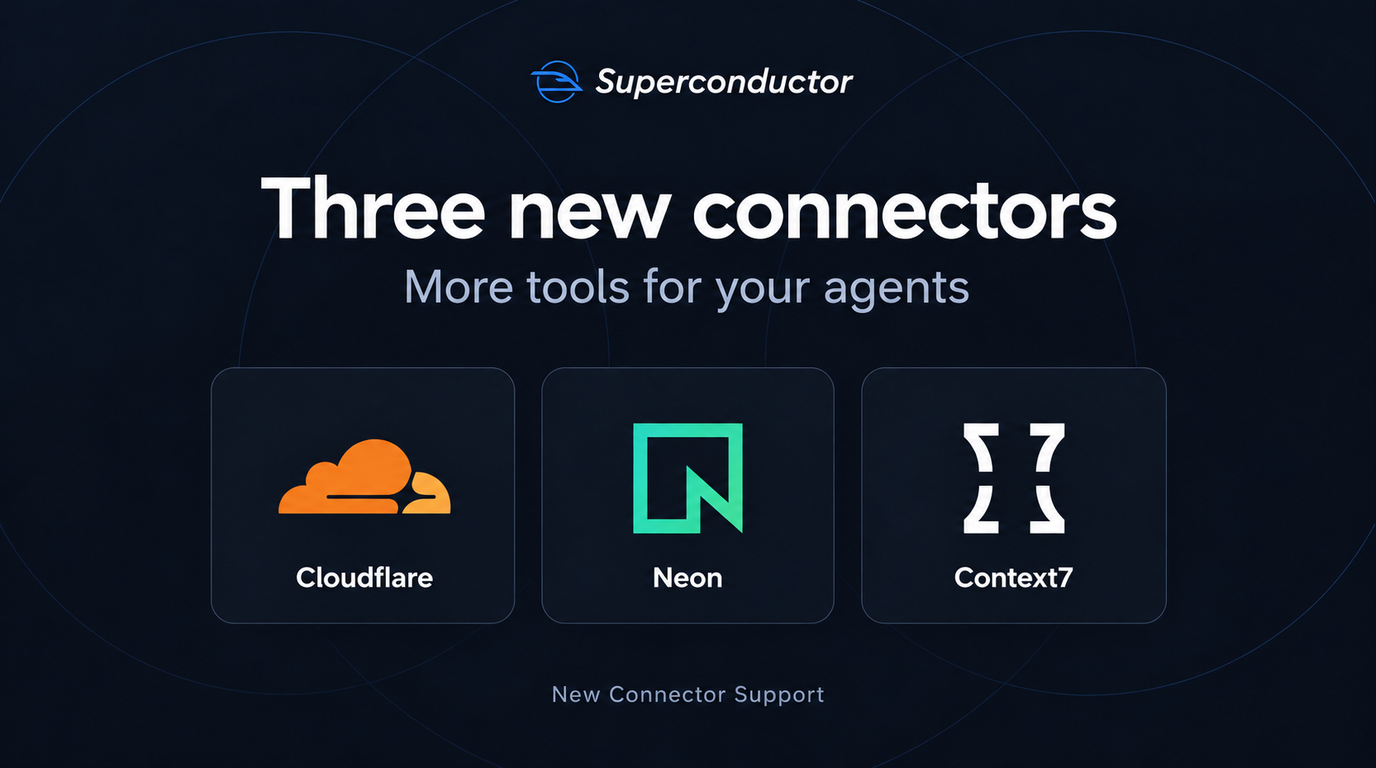
You can now connect three new tools from Workspace Settings → Connectors:
- Cloudflare lets your agents deploy Workers, update DNS records, and manage storage such as R2 buckets and D1 databases.
- Neon lets your agents query Postgres, investigate slow queries, and test migrations on database branches before applying them.
- Context7 gives your agents current, version-specific library documentation and code examples while they work.
All three support account sign-in or an API key or token.
Other Changes
Agents can reference other chats in your project

You can now ask your agent to find and read other chats in the same project, just like you can with tickets. Paste a chat link, or describe the discussion you want it to find, such as "Find the chat where we planned the onboarding flow and implement it in this ticket." Your agent can read the conversation and use it as context, so you don't have to copy the discussion into a new thread.
This builds on the ticket and implementation lookups we announced last week.
Agents can inspect another implementation's code changes
Your agents can now read the latest code changes from another implementation in the same project. Ask an agent to compare approaches or inspect a related fix, and it can review the actual changes alongside the conversation.
Improvements to the chat message composer
The message box now expands as your draft wraps onto multiple lines, while the attachment and send buttons stay at the bottom. Longer drafts scroll within the composer, and editing an earlier line keeps your cursor in view. Sending a message returns the box to a single line without a delayed collapse.
More disk space for your development environment
You can now choose 25 GB or 30 GB of disk space in your project's environment settings, up from the previous 20 GB maximum. That gives larger repositories and dependency installs more room.
See when changes are pushed before you open a PR
When your agent pushes changes to a branch that doesn't have a pull request yet, the conversation now confirms the push and names the branch.
Find your current agent as @Superconductor
Typing @Superconductor, or a prefix such as @supe, now finds the agent you're chatting with in the mention menu, whichever agent you're running.
Fixed Issues
Video-heavy conversations are smoother on mobile
Conversations with many video attachments no longer load and play every video at once. Videos load as you approach them and play when you choose, reducing typing lag and freezes. Long conversations also load message controls more efficiently.
Images and recordings keep their place as they load
Newly uploaded screenshots and recordings now reserve space before loading, reducing jumps in conversations.
QA Checks wait for changes and stay out of unrelated replies
QA Checks [Beta] now wait until an implementation has code changes to review, preventing empty checks with misleading scores. Your coding agent can read the QA report when you ask about it, while unrelated follow-up messages no longer bring the report into the conversation unnecessarily.
OpenCode accepts its new API key format
You can now connect OpenCode with its newer API key format. Existing keys continue to work.
Recent activity cards stay the same size
Sidebar activity cards no longer change height when you mark an item as read or an agent starts running.
New Resources
A new guide to Getting Started with Superconductor
Our new Getting Started with Superconductor guide walks you through setting things up on Superconductor and shares tips for creating your first ticket.
Have feedback or ideas for things you'd like to see on Superconductor? Let us know!