
Here's a summary of all user-facing changes on Superconductor from October 25-31:
Major Changes
Fourteen new connectors for your agents
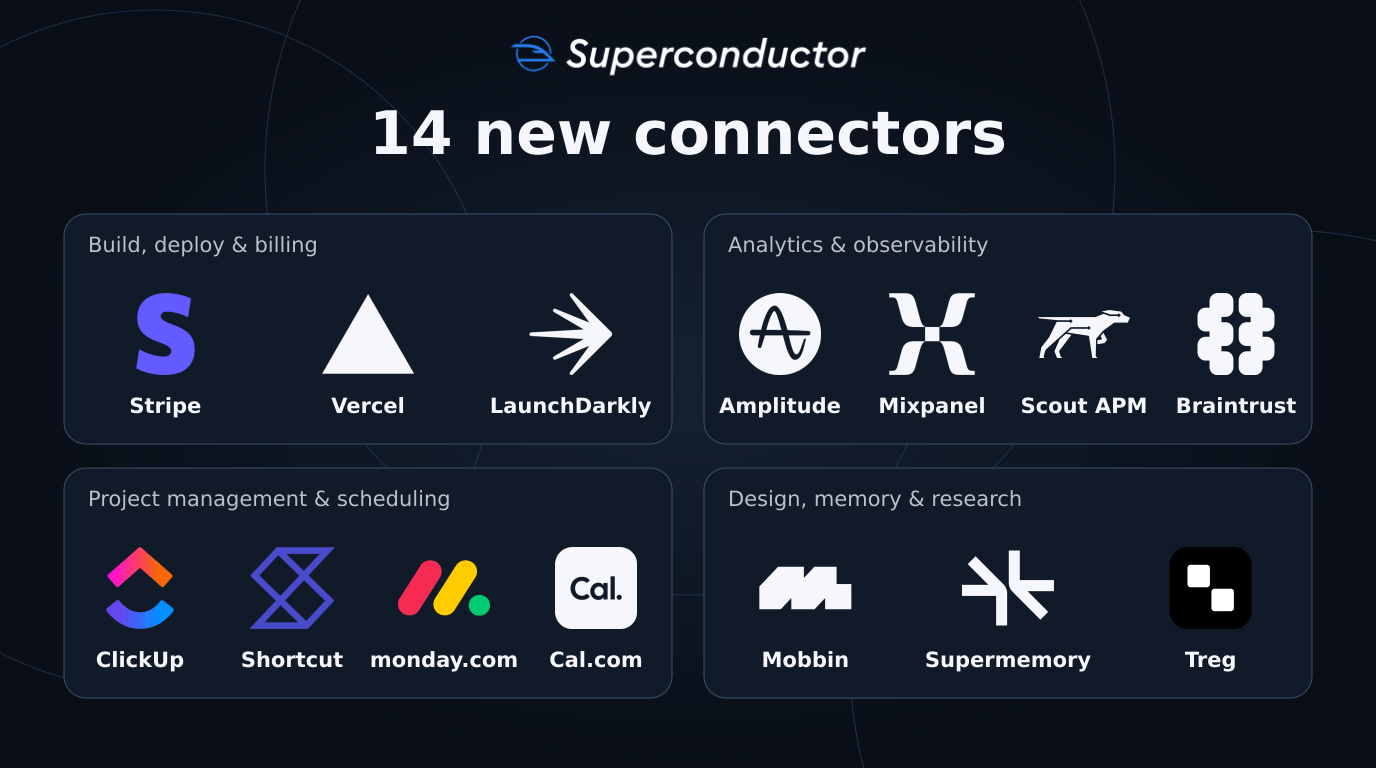
You can now connect fourteen more tools from Workspace Settings → Connectors, giving your agents more context and more ways to act on your requests:
Build, deploy, and billing
- Stripe lets your agents investigate billing questions and work with customers, payments, subscriptions, and invoices.
- Vercel lets your agents read deployment logs, investigate failed builds, and deploy previews.
- LaunchDarkly lets your agents inspect and manage feature flags and rollouts as they work on a change.
Analytics and observability
- Amplitude lets your agents investigate product usage, build charts and dashboards, and manage your tracking plan.
- Mixpanel lets your agents query product analytics, build dashboards, and keep event definitions up to date.
- Scout APM gives your agents read-only access to performance metrics, slow endpoints, traces, and errors to help find the cause of a slowdown.
- Braintrust lets your agents investigate AI traces, work with prompts and datasets, and run evaluations before you ship a change.
Project management and scheduling
- ClickUp lets your agents read and update tasks, add comments, and create follow-up work.
- Shortcut lets your agents search and manage stories, epics, and iterations.
- Monday.com lets your agents work with boards and items, post updates, and read team docs.
- Cal.com lets your agents check availability, book or reschedule meetings, and manage event types.
Design, memory, and research
- Mobbin gives your agents real app screens and flows to reference when designing a feature.
- Supermemory lets your agents save useful context and retrieve it in later sessions.
- Treg lets your agents discover and call tools for research, data enrichment, and media generation.
Each connector uses the access you grant it. Check out each connector's linked Integrations page for setup options and example requests.
Other Changes
Star and rename your project chats
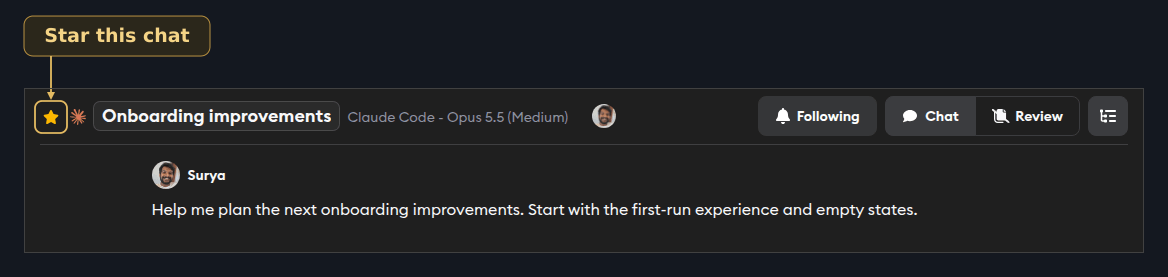
You can now star important project chats to keep them at the top of the project's chat list. Starring a chat also follows it, so you can keep up with new activity.
You can also click a chat's title to rename it. Your teammates see the new name in the chat header, chat list, and sidebars without reloading, making ongoing discussions easier to find.
Run Codex with GPT-6.1 Terra
You can now choose GPT-6.1 Terra in the Codex agent picker, with Low, Medium, High, Extra High, or Max reasoning effort. Launch it on a ticket, save it as a favorite, or compare its approach with another agent on the same work.
New Guided Reviews now try GPT-6.1 Terra at Medium effort first when your credentials support it. Reviews still fall back to other available agents when needed.
Hide whitespace changes while reviewing code
You can now turn on Hide whitespace in the diff review panel's display options to focus on code changes without highlighting indentation and spacing edits. Your preference is remembered, and comments and search results still bring the relevant lines into view.
Copy code blocks with one click
Code blocks in conversations, Markdown artifacts, and environment command summaries now have a copy button. Click it to copy plain code into your terminal or editor, with a checkmark to confirm it copied.
Give larger projects up to 60 GB of disk space
You can now choose 40, 50, or 60 GB of disk space in your project's environment settings. These options extend last week's 30 GB maximum, giving larger repositories, builds, and dependencies more room.
Get through setup more easily on mobile
Workspace setup now keeps the next action within reach on small screens and scrolls to the current step as you advance.
Automatic merge conflict fixes focus on active pull requests
If you've enabled automatic merge conflict resolution, it now skips pull requests that haven't received an update from Superconductor in the last two months. Push fresh changes with Update PR to include an older pull request again, avoiding automatic agent runs on work you've set aside.
See what created a ticket through the API
Ticket responses from the Superconductor API now identify the creator's type, so your scripts can distinguish tickets created by a person from those created by a meeting, an automation, or environment setup. If you read ticket creators through the API, use the new creator field in place of created_by.
Fixed Issues
The iOS app no longer gets stuck during startup
Slow-loading analytics services no longer hold up the iOS app's startup screen, preventing an endless loading spinner that blocked taps and scrolling.
GitHub connection no longer loops during onboarding
Connecting GitHub during onboarding no longer sends new users back through the same sign-in steps repeatedly.
Environment setup uses the latest build results
If you change an environment configuration while a build is running, results from the replaced build no longer interrupt the newer setup or launch duplicate preview tests.
Sidebar activity reflects what's actually happening
Project chat cards now stop showing a thinking spinner when the agent finishes.
Find teammates faster in the mention menu
Typing the start of a teammate's name now puts those matches first in the mention menu.
Message times stay visible on touch devices
You can now see message timestamps on touch devices, including tablets, without needing to hover over a message.
Terminal access respects workspace roles
Viewers can no longer open a terminal on an agent's environment. Owners, workspace Admins, and Collaborators retain terminal access.
Have feedback or ideas for things you'd like to see on Superconductor? Let us know!