Zapier
Let agents use the apps you connect through Zapier.

Zapier MCP connects agents to the apps and actions you choose in Zapier.
Setup
Start by choosing the apps and actions you want agents to use in Zapier:
- Go to Zapier MCP and create a server.
- Select Other as the agent type.
- Add the apps and actions you want agents to use.
- Open the Connect tab and generate a token.
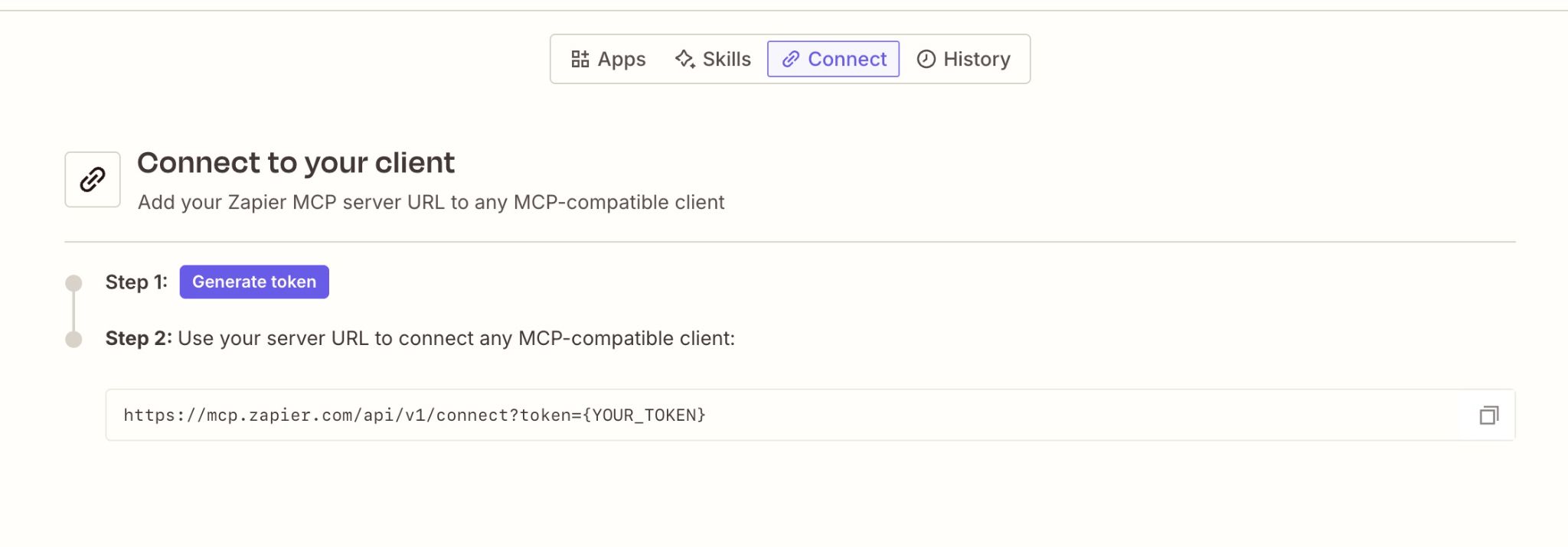
Then connect it in Superconductor: find Zapier on the Connectors page, click Connect, and paste your token. The Connectors guide covers the sharing and project access options on that form.
When to use it
Connect Zapier when you want agents to use an app that isn't listed under Connectors. Only add the apps and actions you want agents to access.