Other Superconductor Skills
Use Superconductor-provided media and generation skills with Gemini.
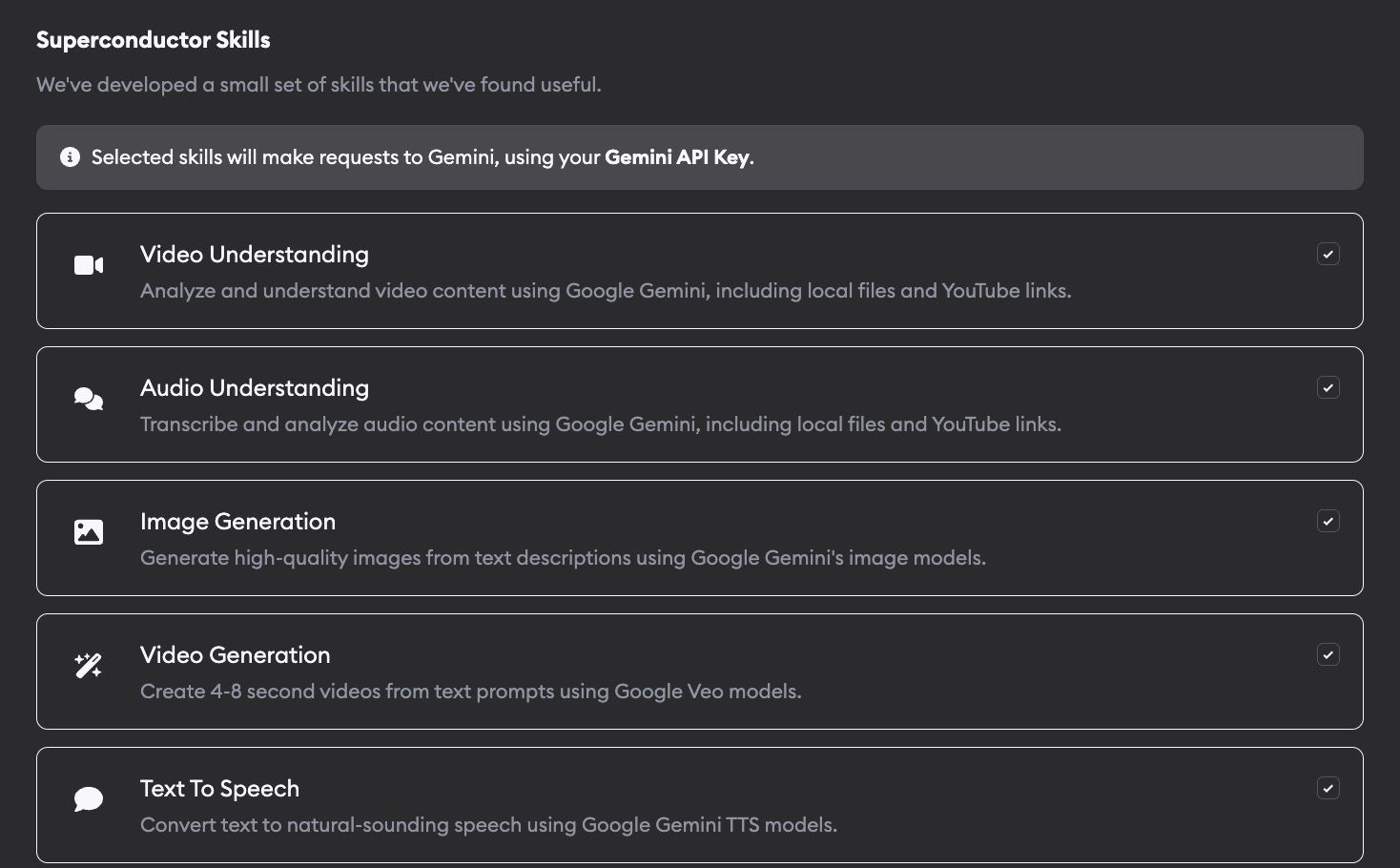
Superconductor includes a small set of built-in, Gemini-powered skills for media analysis and content generation. These skills are useful when agents need to inspect files, create visual assets, or produce audio and video while working on tickets.
Agent Skills are an open standard for giving agents new capabilities and expertise. These skills work with any Superconductor agent.
All of these skills require a Google Gemini API key configured at the workspace or project level. Granola and Notion use their own API keys instead.
Available skills
- Video Understanding - Analyze videos up to an hour long. Supports local files (mp4, mov, webm, avi, mkv) and YouTube links.
- Audio Understanding - Transcribe and analyze audio up to 9.5 hours long. Supports mp3, wav, m4a, ogg, flac, and YouTube links.
- Image Generation - Generate images from text descriptions. Can use existing images or videos as style references.
- Video Generation - Create 4-8 second videos from text prompts. Supports image-to-video animation with native audio.
- Text to Speech - Convert text to natural-sounding speech. 30 voices, 24 languages, automatic language detection.
Setup
- Add a Gemini API key in your agent credentials.
- Go to Project Settings -> Skills and MCPs.
- Enable the skills you want agents to use.
Once a skill is enabled, ask your agent in the chat to generate an image, analyze a video, or use another supported capability.
Example use cases
Some examples of what you can do with Agent Skills:
- Create visual database structure diagrams automatically
- Analyze competitor demo videos to produce competitive analysis reports
- Generate multiple landing page redesign mockups from text descriptions
- Identify bugs from customer call recordings
- Extract customer testimonials from YouTube videos for your website