PostHog MCP
Let agents query analytics, feature flags, events, logs, and error tracking.
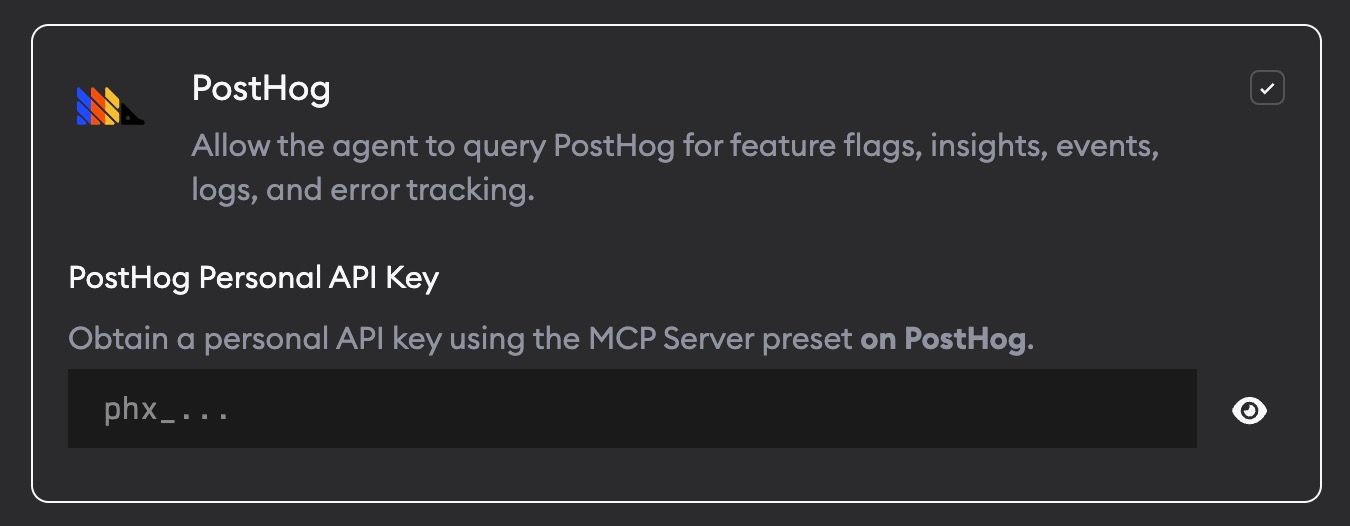
PostHog MCP lets agents query your PostHog account directly. This helps agents understand how a feature is used in production or debug behavior with real analytics context.
What agents can do
With PostHog MCP enabled, agents can look up:
- Feature flags
- Insights
- Events
- Logs
- Error tracking data
Setup
- Go to Project Settings -> Skills and MCPs.
- Enable PostHog.
- Add your PostHog Personal API Key.
Generate a key using the MCP Server preset at app.posthog.com/settings/user-api-keys?preset=mcp_server.
Your key is stored encrypted and only passed to agents when PostHog MCP is enabled.
Limitations
Some Cursor models currently have an issue with the PostHog MCP server. For now, Superconductor excludes PostHog MCP when you run Cursor's Composer 2.5, Composer 2.5 Fast, Grok 4.6, Grok 4.5, or Auto profiles. PostHog MCP remains available for other agent profiles. This is a temporary limitation while we work to fix the issue.
When to use it
Ask agents to use PostHog when a ticket depends on product usage, flag state, event volume, conversion behavior, or production logs.