Better Stack MCP
Let agents inspect logs, traces, uptime monitors, incidents, and on-call context.
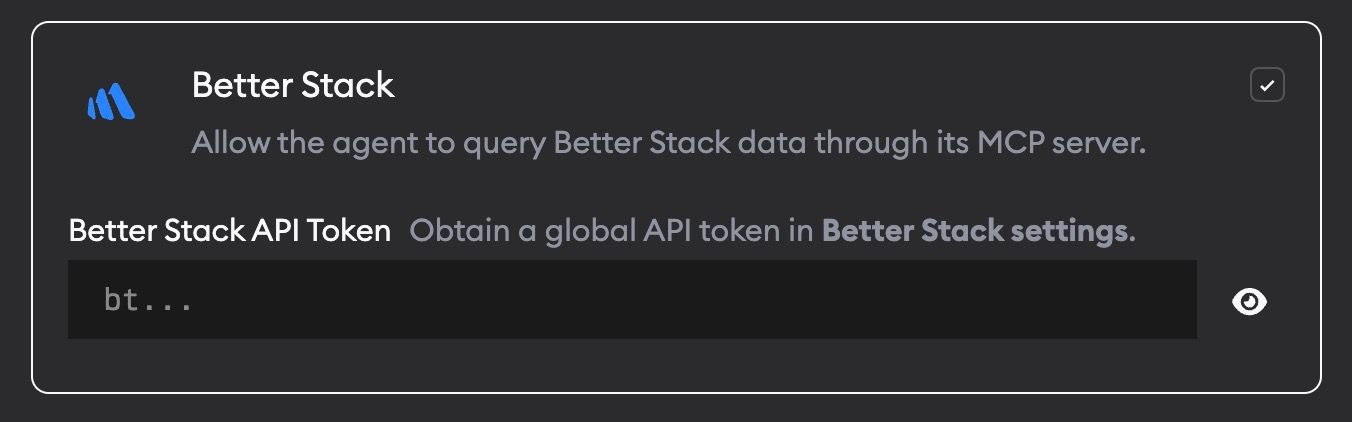
Better Stack MCP lets agents query Better Stack data directly. This gives agents production context when they need to debug incidents, explain failures, or connect user-facing issues back to code.
What agents can do
With Better Stack MCP enabled, agents can inspect:
- Logs
- Traces
- Errors
- Metrics
- Uptime monitors
- Incidents
- Dashboards
- On-call context
Setup
- Go to Project Settings -> Skills and MCPs.
- Enable Better Stack.
- Add your Better Stack API token.
Follow the Better Stack API token docs to create or copy a global API token.
Your global API token is stored encrypted and only passed to agents when Better Stack MCP is enabled.
When to use it
Ask agents to use Better Stack when a ticket involves production logs, traces, uptime failures, incidents, or on-call investigation.