Skills and MCP Servers
Extend your agents with Agent Skills and Model Context Protocol servers.
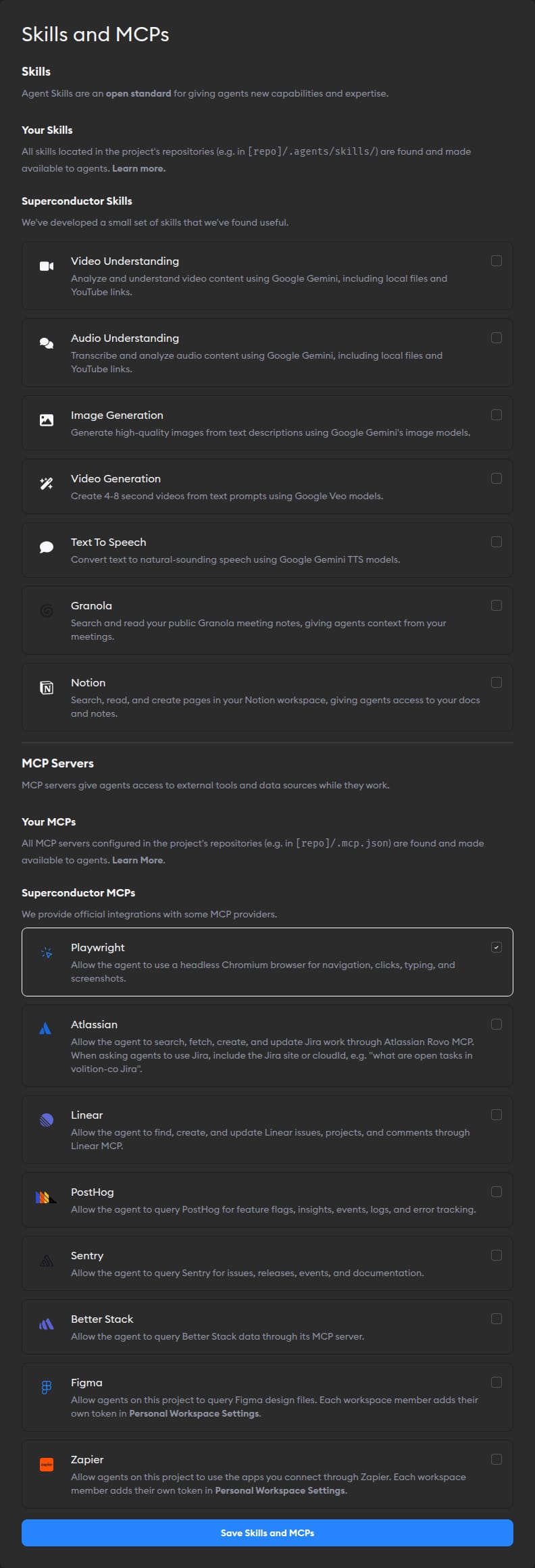
Skills and MCP servers extend what your agents can do. Agent Skills package reusable instructions, workflows, reference materials, and scripts so agents can apply specialized expertise on demand. MCP servers add external tools and data sources, like browsers, issue trackers, error trackers, logs, and analytics.
Superconductor supports custom skills and MCP servers provided in your repos by default. We also offer Superconductor-provided skills and MCPs that you can enable from Project Settings. Both apply to every agent in the project.
Skills

Skills are built on an open standard and work with any Superconductor agent. Enable Superconductor-provided skills from Project Settings -> Skills and MCPs. All toggleable Superconductor-provided skills are disabled by default in new projects. Once a skill is enabled, just ask your agent in the chat to generate an image, analyze a video, or use another supported capability.
Available Superconductor-provided skills
- Granola - Search and read your public Granola meeting notes, giving agents context from your meetings. Requires a Granola API key. Only public Granola notes are available to agents.
- Notion - Search, read, and create pages in your Notion workspace, giving agents access to your docs and notes. Requires a Notion access token connection.
- Other Superconductor Skills - Generate images, analyze videos and audio, create short videos, and convert text to speech. Requires a Google Gemini API key configured at the workspace or project level.
The Granola and Notion skills require their own API keys. All other Superconductor-provided skills require a Google Gemini API key configured at the workspace or project level.
You can also add custom skills from your repos.
MCP servers
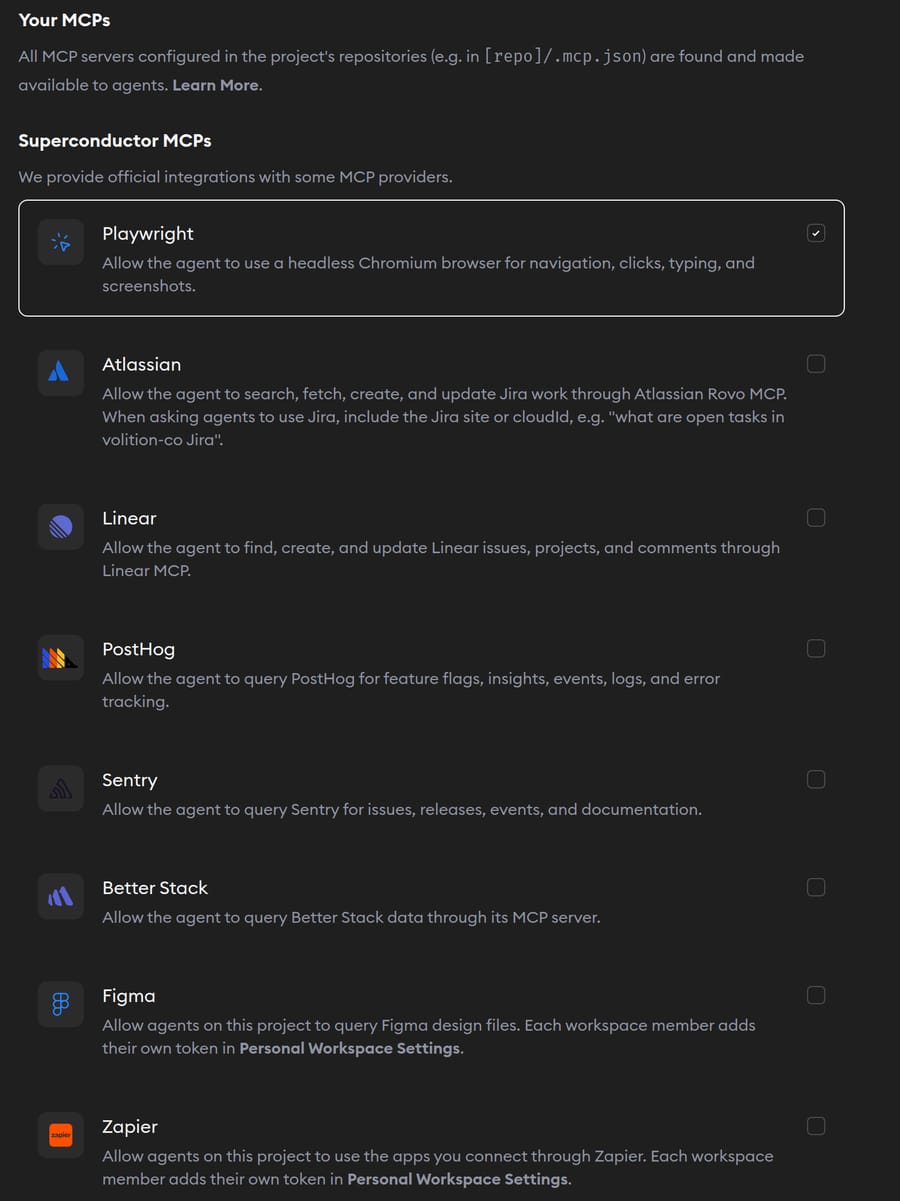
Configure Model Context Protocol (MCP) servers to extend agent capabilities with external services, databases, and APIs during implementations. MCP server settings apply to all agents in the project.
Superconductor-provided MCP servers:
- Playwright MCP - Let agents control a browser for UI testing, screenshots, and console checks.
- Atlassian Rovo MCP - Search, fetch, create, update, and transition Jira work through Atlassian Rovo MCP.
- Linear MCP - Find, create, and update Linear issues, projects, and comments.
- PostHog MCP - Query feature flags, insights, events, logs, and error tracking.
- Sentry MCP - Query production errors, stack traces, releases, and issue context.
- Better Stack MCP - Query logs, traces, uptime, incidents, dashboards, and on-call context.
- Figma MCP - Read layout, styles, and design context from your Figma files when building UI.
- Zapier MCP - Use the apps and actions each teammate connects through their personal Zapier MCP server.
You can also add custom MCP servers from your repos.