Sentry MCP
Let agents inspect production errors and Sentry issue context.
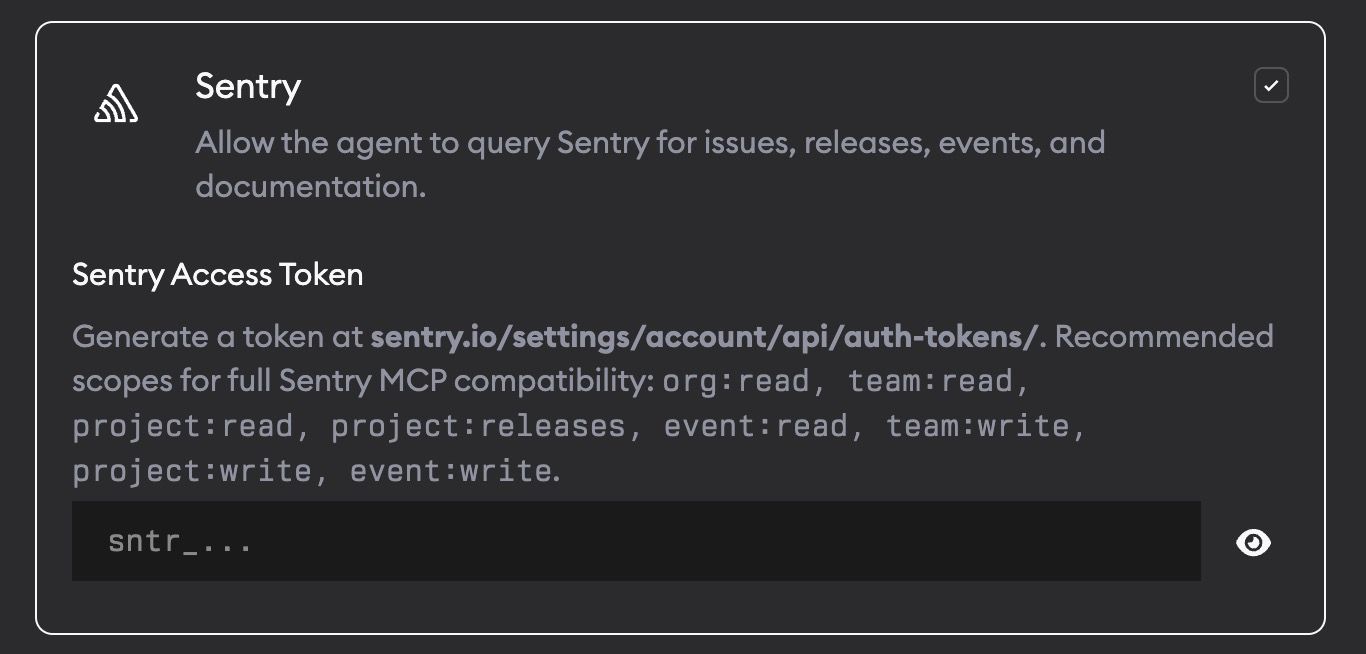
Sentry MCP lets agents query your Sentry account directly. Agents can look up real errors with stack traces, request data, releases, and user context.
What agents can do
With Sentry MCP enabled, agents can:
- Find recent issues in your Sentry organizations and projects
- Read stack traces and event details
- Compare releases and suspect commits
- Use production error context while fixing bugs
Setup
- Go to Project Settings -> Skills and MCPs.
- Enable Sentry.
- Add your Sentry Access Token.
Generate a token at sentry.io/settings/account/api/auth-tokens.
Recommended scopes for full Sentry MCP compatibility:
org:read, team:read, project:read, project:releases, event:read, team:write, project:write, event:writeYour token is stored encrypted and only passed to agents when Sentry MCP is enabled. Superconductor also adds the network access Sentry MCP needs automatically, so you don't need to add Sentry domains manually under Network Access.
When to use it
Ask agents to use Sentry when a ticket references a production error, stack trace, crash, affected user, or release regression.