Cloudflare
Connect Cloudflare so agents can manage Workers, DNS, storage, and the rest of your account.

Cloudflare's MCP server gives agents the whole Cloudflare API, so they can ship a Worker, change a DNS record, or create a database without you opening the Cloudflare dashboard.
For use cases and example prompts, see Cloudflare for AI coding agents.
What is Cloudflare?
Cloudflare provides DNS, security, and caching for websites and apps, and hosts code and data with Workers, Pages, R2, D1, and KV.
What agents can do
Once you connect Cloudflare, agents can:
- List, deploy, and configure Workers and Pages projects
- Add, change, and remove DNS records
- Create and manage R2 buckets, D1 databases, KV namespaces, and Vectorize indexes
- Update firewall, cache, and Zero Trust Access settings
- Report on your website's traffic, like total requests and where visitors come from
- Search Cloudflare's developer documentation
Agents can only do what the permissions you approve, or your API token, allow.
Changes agents make in Cloudflare, like deleting DNS records or deploying Workers, take effect right away. Give agents only the permissions they need.
Setup
Connect by signing in to Cloudflare or by pasting a Cloudflare API token.
Go to Workspace Settings → Connectors (or a project's Connectors page) and click Connect on the Cloudflare card (or Connect another to add another account).
Step 1: who the connection is for
Choose whether the connection belongs to you or to your team, which projects can use it, and whose agents can use it. Cloudflare starts on Personal Account. See connection options for what each choice means.
Click Continue.
Step 2: how agents reach Cloudflare
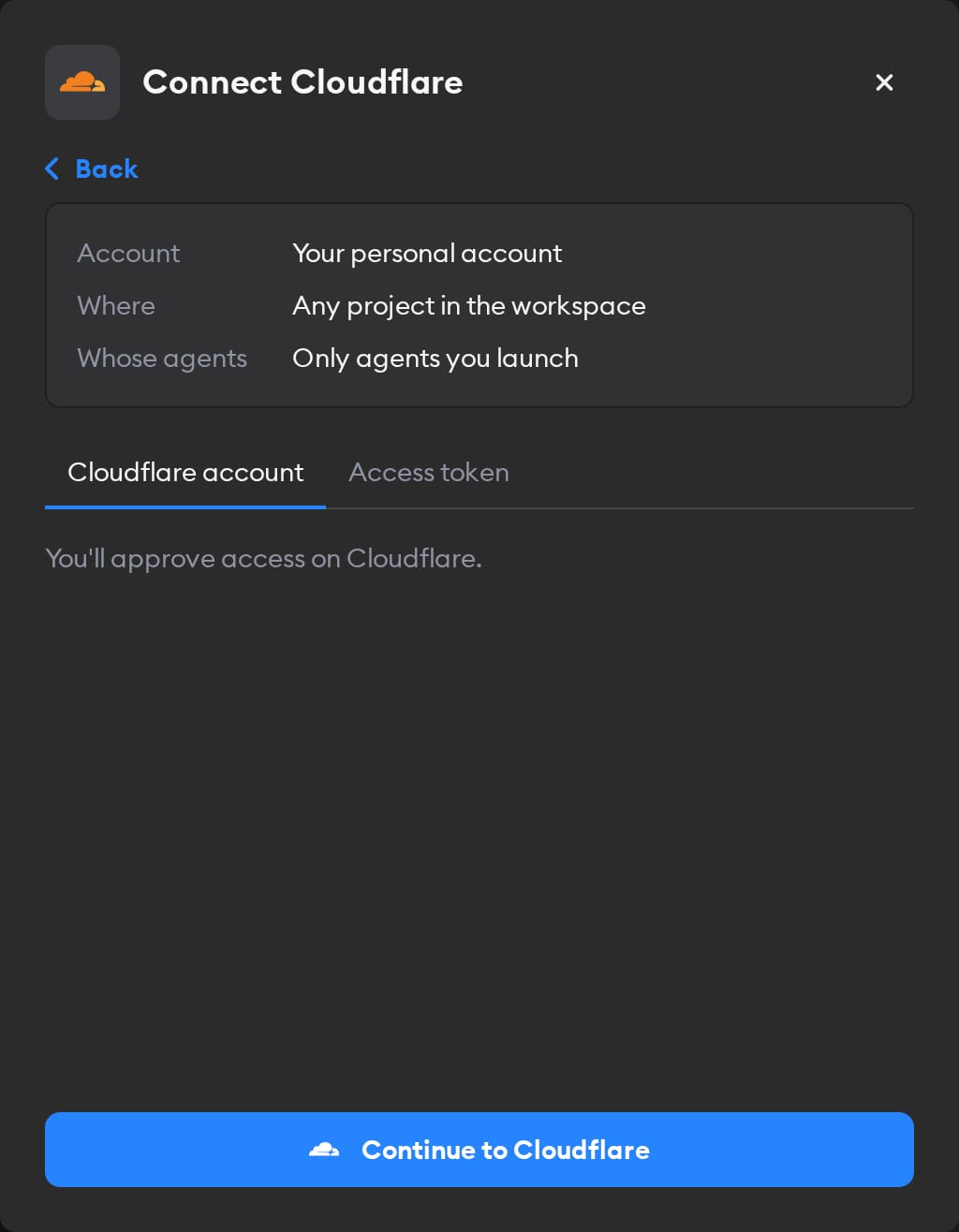
The second screen has two tabs: Cloudflare account and Access token. Pick one.
Cloudflare account
This tab is selected by default, and it's the easiest way in — there's no key to create.
Click Continue to Cloudflare and choose the permissions agents get. Cloudflare starts on Minimal, which only lets agents look up your user and accounts, so switch to Read only or Full access, or select permissions yourself. Then approve and sign in, and you land back on the Connectors page with Cloudflare connected.
Agents act as whoever signed in, with the permissions you selected. To change those permissions later, disconnect and connect again. If you picked Workspace Service Account in step 1, everyone's agents use that access — so sign in with an account and permissions you're happy to share.
Access token
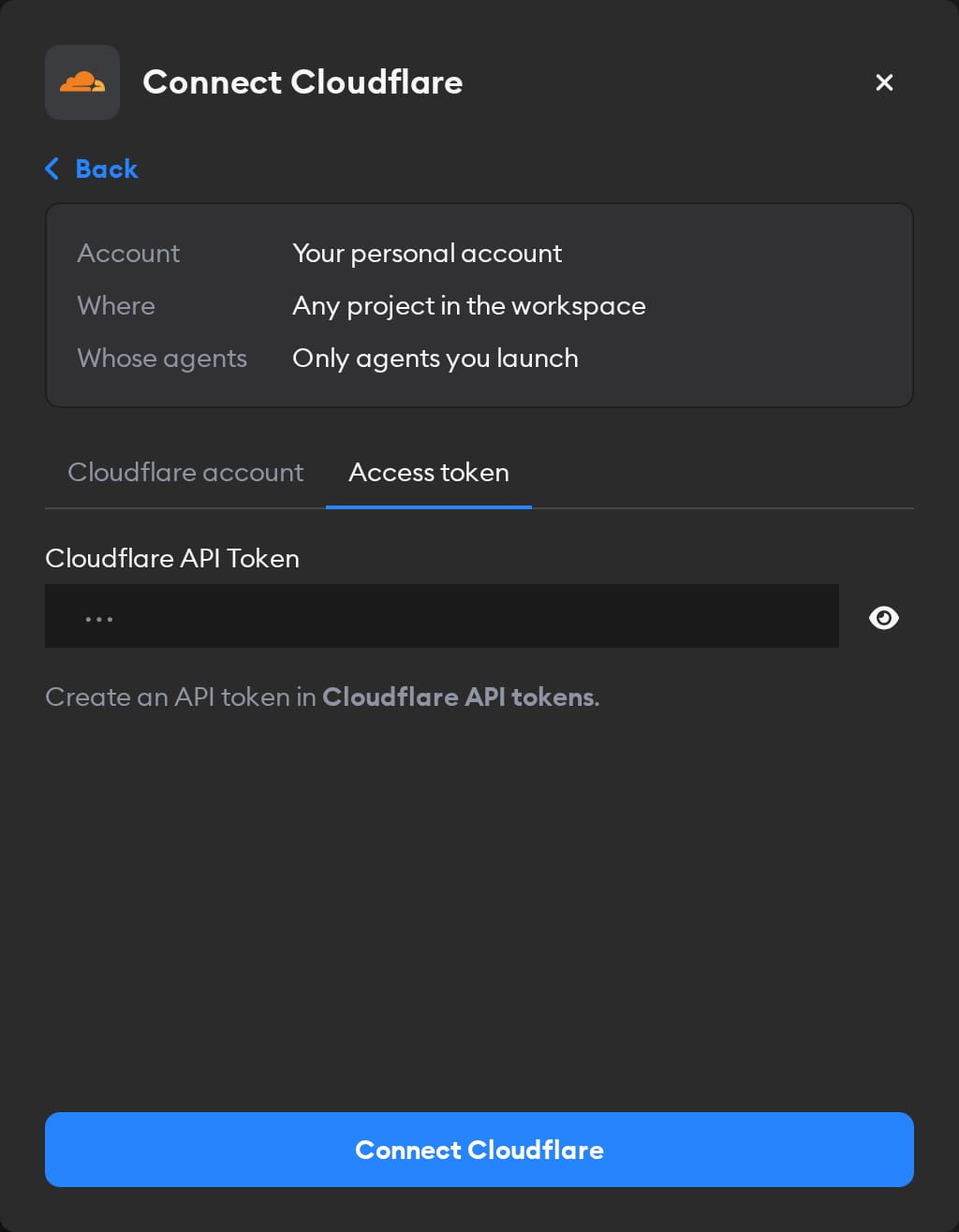
In Cloudflare, open API tokens and create a token with the permissions agents need. Paste it into the Cloudflare API Token field and click Connect Cloudflare.
User tokens also need User Details: Read; account tokens need nothing extra. Cloudflare's MCP server rejects a user token without that permission with an insufficient_scope error, and does the same for tokens with Client IP Address Filtering turned on.
Reconnecting and disconnecting
Cloudflare ends account connections 30 days after you connect; access tokens don't expire this way. When a connection stops working, the Connectors page shows a Reconnect needed badge on it, and agents run without Cloudflare.
To fix it, click Manage next to the connection, then Reconnect Cloudflare, and select the permissions again, since Cloudflare doesn't keep your earlier choice. You can only reconnect a personal connection you own; for someone else's, Superconductor tells you who to ask.
Disconnect also revokes Superconductor's access at Cloudflare. For an access token, delete the token in Cloudflare too.
When to use it
Ask agents to use Cloudflare for work on Workers, DNS, storage, or your site's traffic. For example:
Deploy the Worker in this repo to Cloudflare and add a route for api.example.com. Send me the URL once it's live.Create a D1 database for this app, run the migrations in the repo against it, and bind it to the Worker.Point blog.example.com at our new blogging platform. Check the DNS records it needs and add them in Cloudflare.Summarize the last 7 days of traffic to example.com from Cloudflare: total requests, the busiest day, and top countries.